
Viewing a Specified Text File
To display any text file from the current simulation run directory:
-
In the schematic window, select Simulation – Show Outputs – Show Run File.
The Show Run File form appears.
The Simulation – Outputs – Show Run File command is enabled only after you have used the Initialize command to initialize the simulation environment.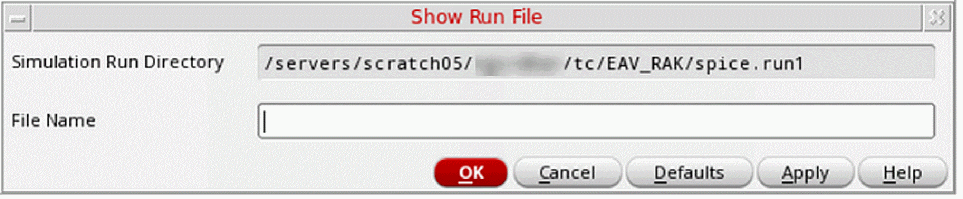
- In the File Name field, specify the name of the file you want to view.
-
Click OK.
A window appears showing the text file. - To close the window, choose File – Close Window.
Related Topics
Initializing the Simulation Environment
Return to top