
Viewing the Generated Documentation in Finder
After you have generated the finder (.fnd) file, you can view its contents using the Cadence SKILL API Finder tool or the SKILL IDE Finder assistant. If you have selected the Add to Finder paths check box while generating the documentation, the contents of your finder file will automatically be imported into the finder database.
To view the generated documentation in Finder:
-
Choose Window – Assistants – Finder to start the Finder assistant. Alternatively, choose Tools – SKILL API Finder to start Cadence SKILL API Finder from the CIW.
The Cadence SKILL API Finder window displays. Finder loads data from the finder database files. -
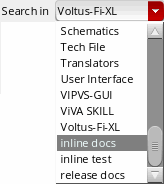
Because the contents of your finder file are automatically imported into the finder database, the section name you specify in the Section field of the Finder Manager window appear in the Search in drop-down list.
-
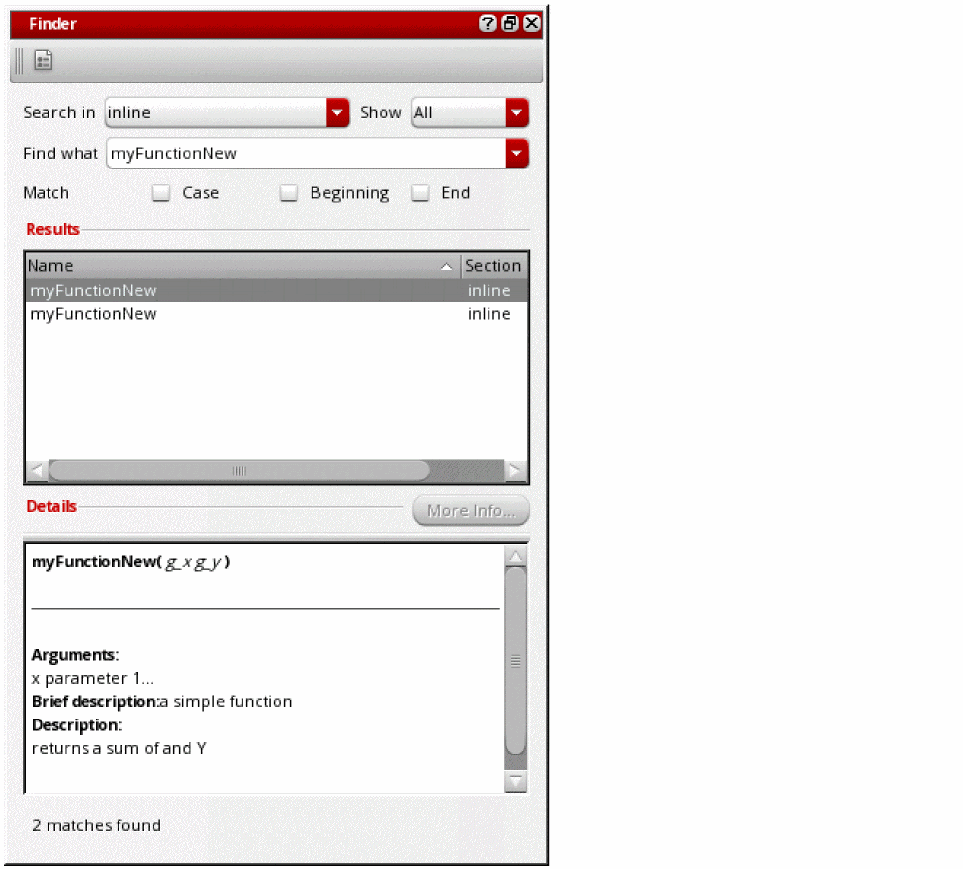
Select the appropriate category name from the Search in drop-down list. The data in your finder (.
fnd) file appears in the Results area.
Related Topics
Extracting Documentation using Finder Manager
Return to top