
Creating a Circle
- In the layout window, from the Layers panel, select the layer on which you want to create a circle.
- Choose Create – Shape – Circle.
-
Press
F3to open the Create Circle form.
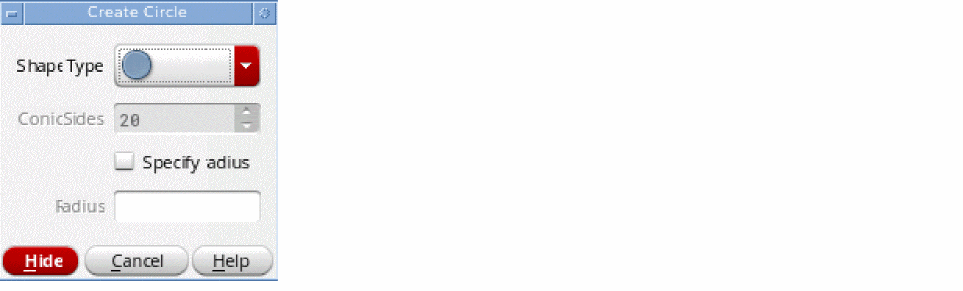
- Select the shape type for the circle that you want to create.
- In ConicSides, specify the number of segments to be used if you are creating a half or quarter circle.
- Enable the Specify Radius check box and specify the radius of the circle. Alternatively, you can specify the radius by clicking at the required point on the canvas.
-
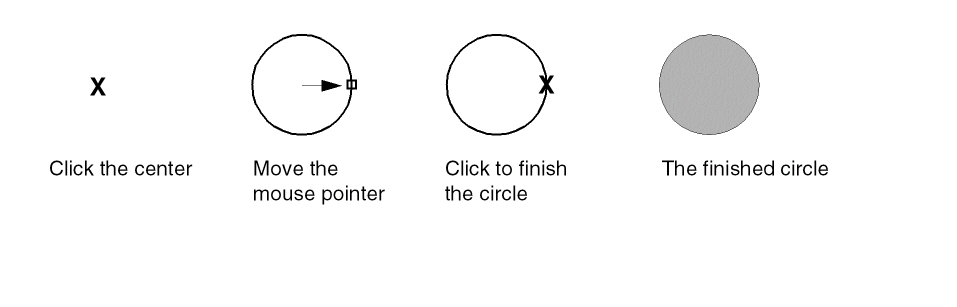
Click on the canvas to define the edge of the circle.
Related Topics
Return to top