
Creating an Ellipse
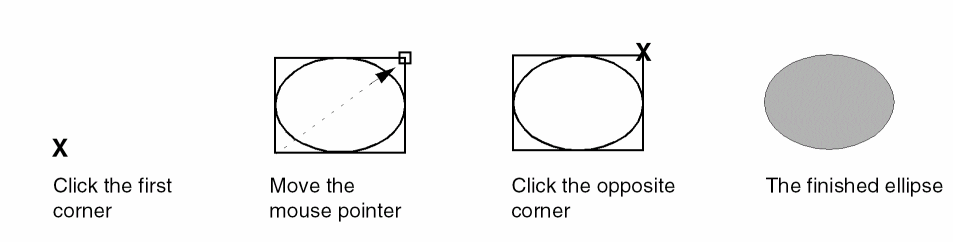
You create an ellipse by creating a rectangle that surrounds the ellipse.
- In the layout window, select the layer from the Layers panel on which you want to create an ellipse.
- Choose Create – Shape – Ellipse.
-
Click at a point on the canvas where you want the first corner of the bounding box of the ellipse.
Alternatively, you can specify the points of the ellipse using the Enter Points form. -
Click at a point on the canvas where you want the opposite corner of the bounding box of the ellipse.
(Virtuoso RF Option) The Create Ellipse command does not support curved shapes.
Related Topics
Return to top