
Creating a Donut
- ln the layout window, from the Layers panel, select the layer on which you want to create a donut.
- Choose Create – Shape – Donut.
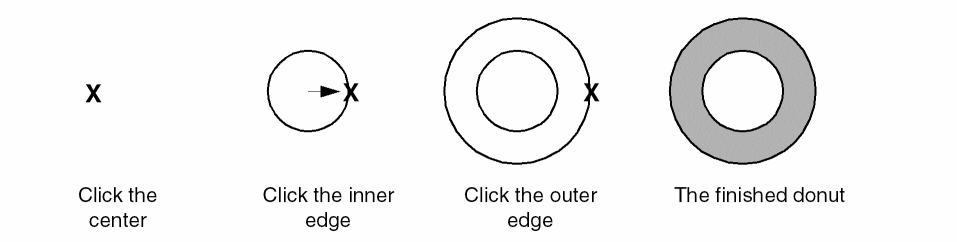
- Click at a point on the canvas where you want the center of the donut. Alternatively, you can specify the points of the donut using the Enter Points form.
- Click at a point where you want the inner edge of the donut.
-
Click at a point where you want the outer edge of the donut.
Related Topics
Return to top