
Viewing Cellview Summary
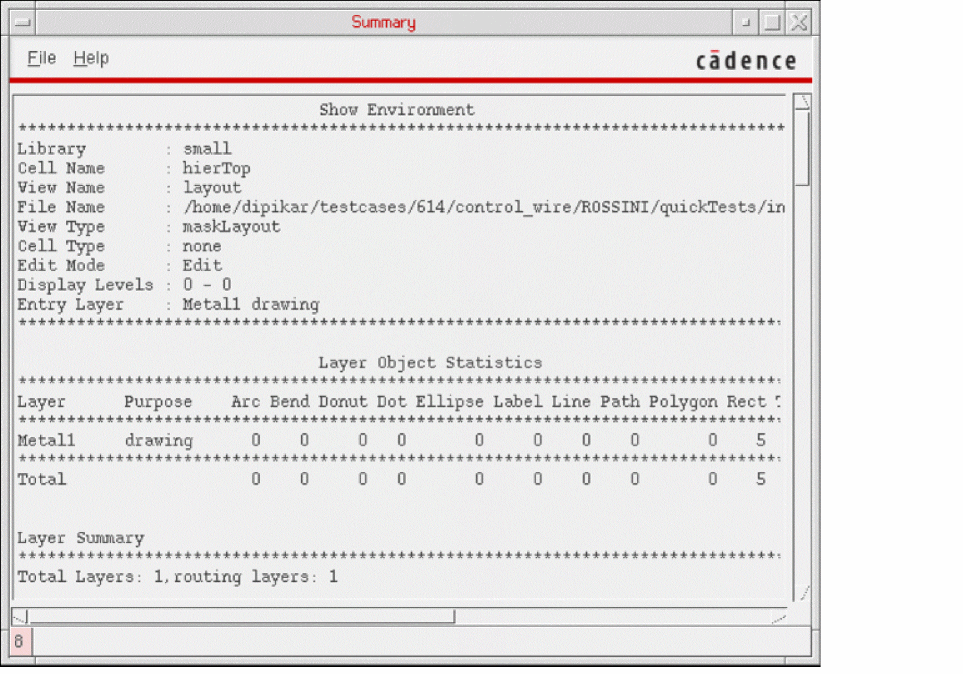
Use the Summary window to view statistics related to your current cellview. This can include statistics related to items such as layers, instances, markers, wires, and blockages.
To display a summary of the contents of a cellview:
-
In the layout window, choose File – Summary.
The Summary window appears, displaying the cellview summary.
Related Topics
Return to top