
Capture and Replay Your Design Actions
With the Capture and Replay assistant, you can record a series of actions that you perform in your design and later replay those actions as a macro. This helps you to perform repetitive tasks quickly and consistently across cellviews and sessions. For example, you can record your actions to generate devices and insert rows. You can then replay the actions in your designs as and when required. The capture and replay functionality is available in Layout EXL and higher tiers.
The following image shows the Capture and Replay assistant, with some sample recordings listed.
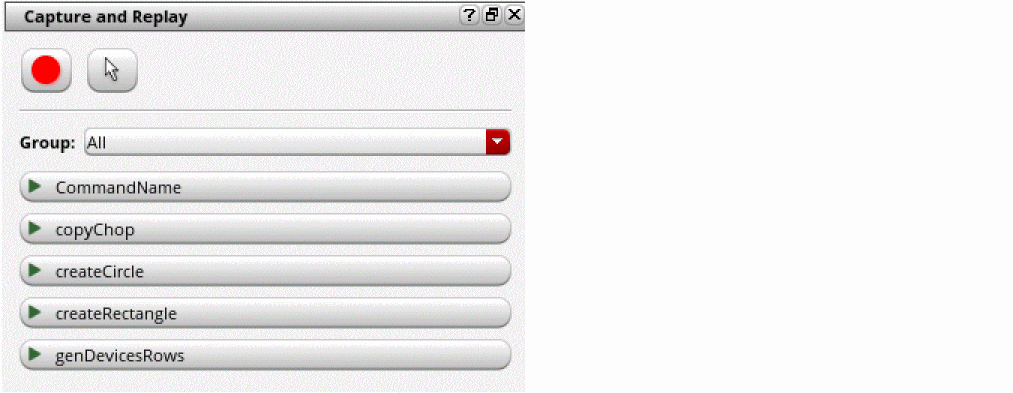
In addition to the assistant, you can use the following SKILL functions to capture and replay your design actions:
Related Topics
Recording Your Actions in a Design
Replaying Your Recorded Actions in a Design
Deleting a Recording in the Capture and Replay Assistant
Return to top