
Stretching and Moving Objects
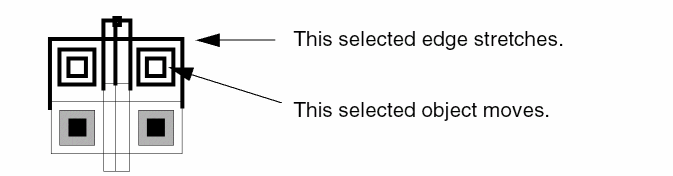
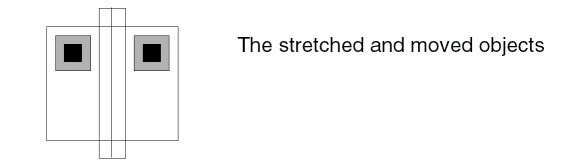
You can simultaneously stretch and move objects. This is often called a window stretch.
-
In the layout window, choose Edit – Stretch or click the Stretch icon
 on the Edit toolbar.
Alternatively, right-click any free space on the design canvas to display the Layout shortcut menu and select Stretch. -
Press
Shiftand create a selection box around the objects that you want to move and the edges you want to stretch.

- Select a reference point for the stretch.
-
Move the pointer to stretch the edges where you want.
-
Click on the canvas.
Related Topics
Return to top