
Unable to Select All Objects During Edit-In-Place
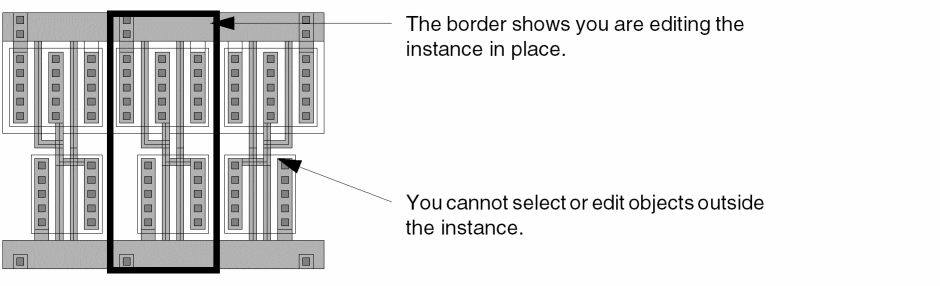
If you are editing a cell instance in place, you can select and edit only the objects within the instance. Even though you can see objects around the instance, you cannot edit them.
-
To check to see if you are editing in place, look at the cellview banner to see what instance you are editing.
If the name in the banner does not match the name of the current cellview, then you are editing a cell in place. - To return to editing the current cellview, choose Edit – Hierarchy – Return.
Related Topics
Troubleshoot Object Selection Issues
Troubleshoot Basic Editing Issues in Layout XL
Return to top