
Creating Bends
You can use the Bend command to create a two-segment transmission line with two different width settings. Bends connect the objects of different sizes, using a right-angle segment instead of a straight line. You create bends similar to the way you create paths.
- In the layout window, choose Create – Microwave – Bend.
-
Press
F3to open the Transmission Bend form.
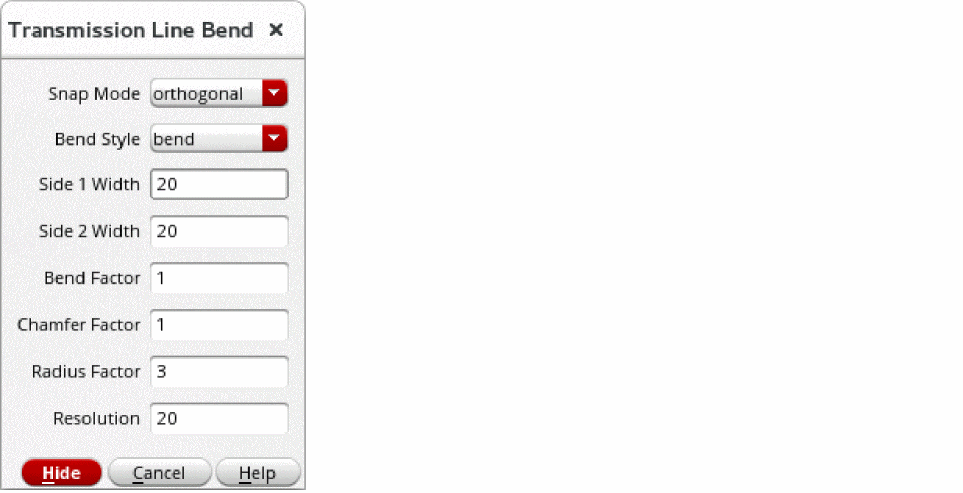
- Type the beginning and ending widths of the bend in the Side 1 Width and Side 2 Width fields.
-
Click on the canvas to enter each point of the bend.
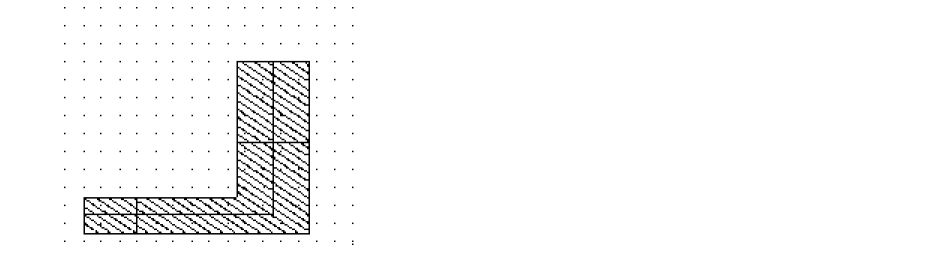
The following is a completed bend.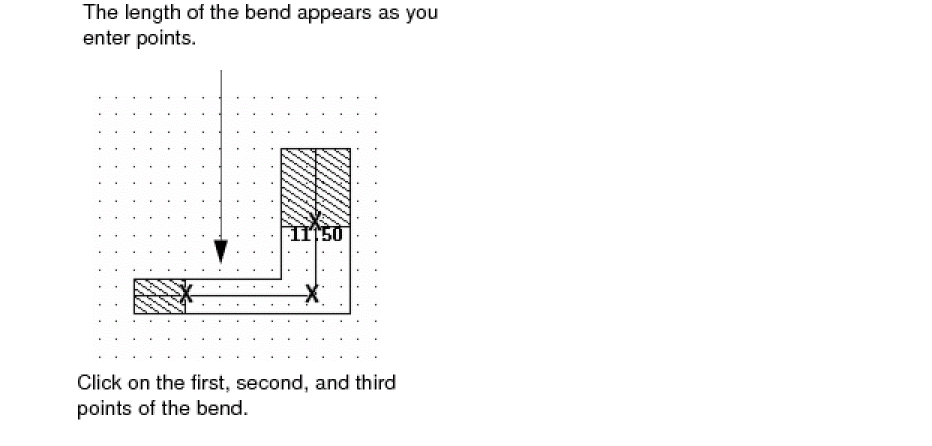
Related Topics
Return to top