
Object Information Display
To display textual information about objects, you can use two types of controls, information balloons and dynamic measurement.
-
Information Balloons
Information balloons display textual information when you move the pointer over an existing object or shape. They display information about the bound and unbound instances. The information displayed for unbound instances when the stop display level ranges from0to32is the same as the information for bound instances when the stop display level is set to0in the Set Area View Level form. Information balloons display information about members of figure groups when you are editing a figure group or the Transparent Group option is selected in the Display Options form.
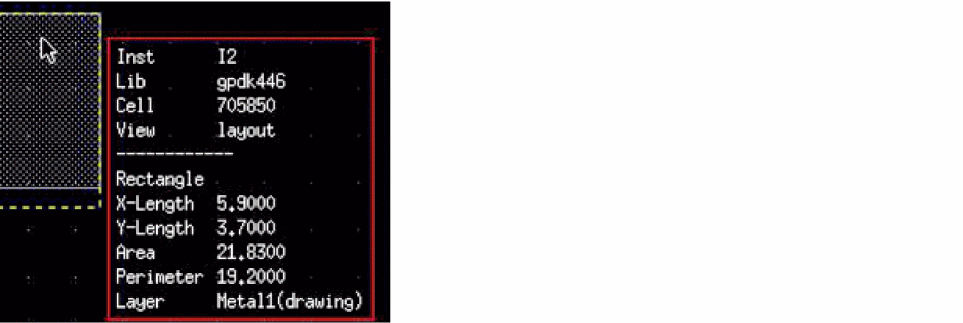
-
Dynamic Measurement
Dynamic measurement displays distance measurements when creating or editing objects. The measurement text is displayed next to the pointer.
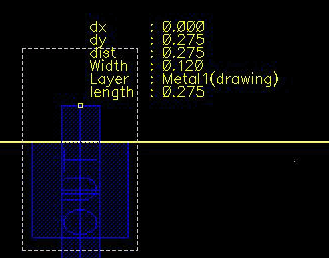
(Virtuoso RF Option) You can view information balloons for curvilinear geometries such as curved paths and curved polygons. Dynamic measurement is supported for curved shapes.
Related Topics
Enabling Information Balloons and Dynamic Measurements
Return to top