
Types of Palette Containers
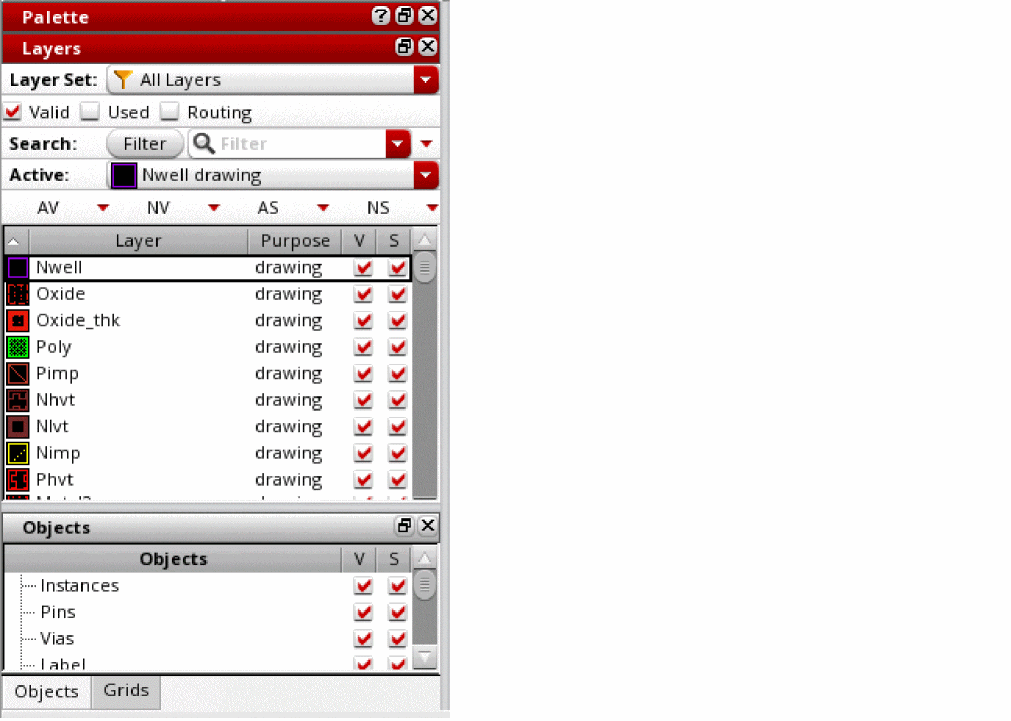
By using palette containers, you can control how the Palette assistant displays the Layers, Objects, and Grids panels. You can choose from the following types of palette containers: single assistant, multiple assistants, and single window. By default, the Palette assistant opens in the single assistant container.
Single Assistant Palette Container
The single assistant palette container encapsulates the Layers, Objects, and Grids panels into a single Palette assistant. Therefore, when you hide the Palette assistant, all three panels are hidden from view. If required, you can hide each panel individually. You can also dock or undock the entire Palette or each of the three panels individually.
The single assistant palette container is linked to the layout window. So, the Palette assistant is automatically closed when you close the layout window.
Multiple Assistants Palette Container
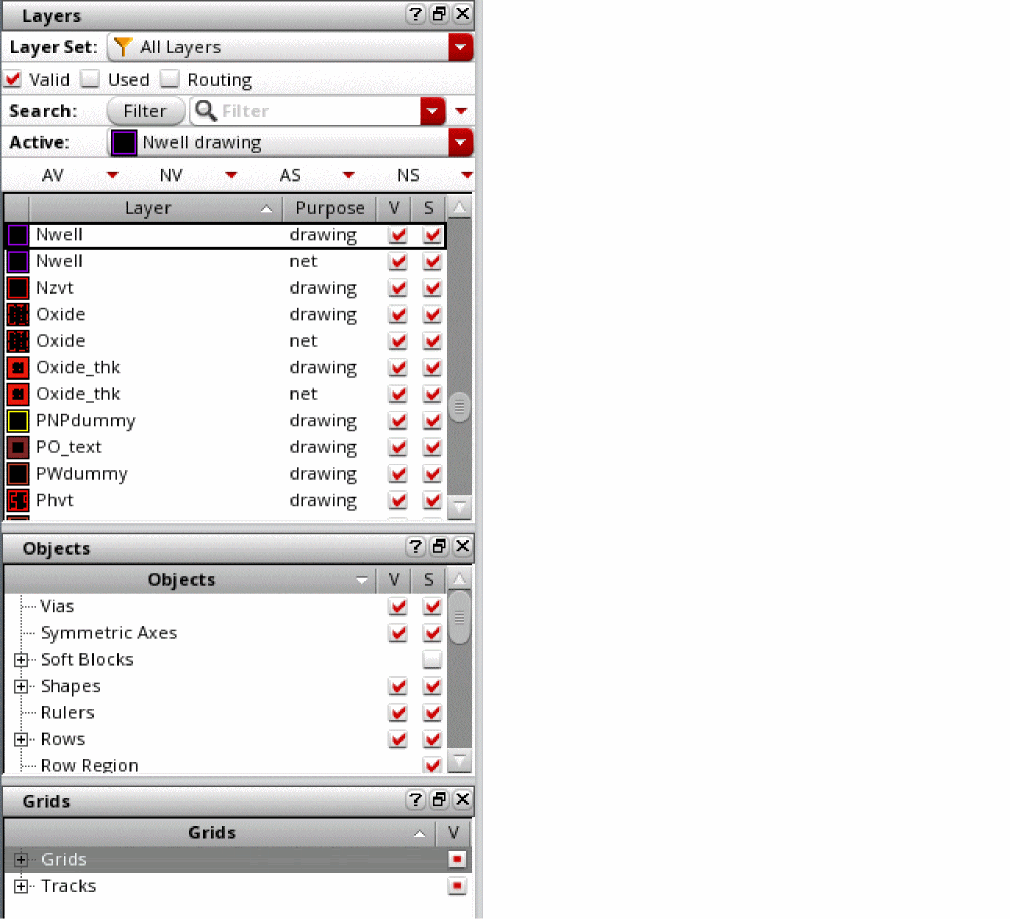
The multiple assistants palette container displays the Layers, Objects, and Grids panels as three separate assistants. These are also listed as three separate assistants on the Assistants context menu, which is displayed when you right-click the menu bar area of the layout window. You can hide or unhide each panel individually. Each panel can also be docked or undocked individually. The multiple assistants palette container is linked to the layout window. Therefore, the Palette assistant is automatically closed when you close the layout window.
Single Window Palette Container
The single window container encapsulates the Layers, Objects, and Grids panels in a single window that is independent of the layout window. In this mode, a single Palette window manages all the designs that are open. The three panels can be docked or undocked individually. You can also hide or unhide them individually.
The Palette window is closed automatically when you exit the Virtuoso session.
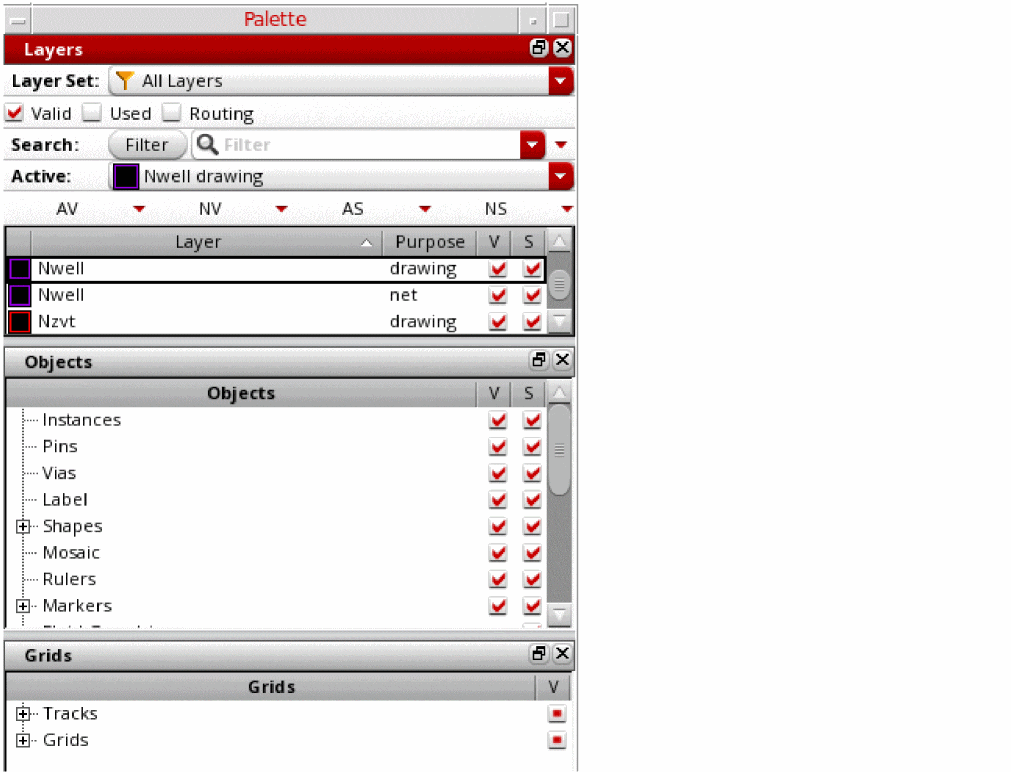
To resize the Palette window, use the
Related Topics
Return to top