
Rebinding the Layout to a Schematic
This section covers rebinding the updated layout to package schematic.
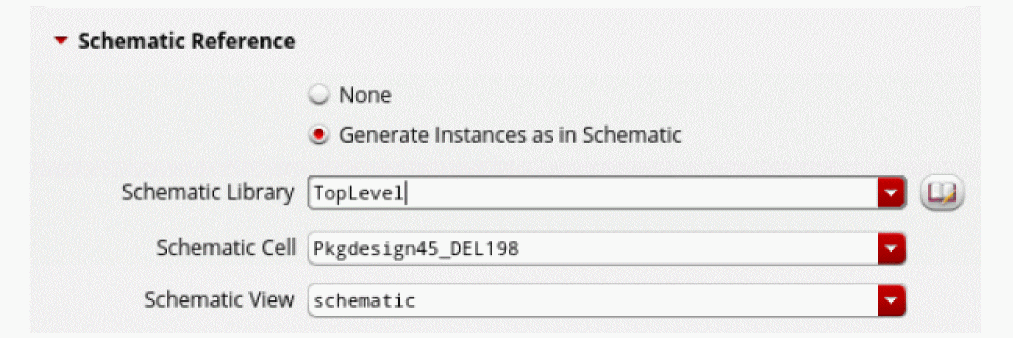
- Select Generate Instances as in Schematic in the Schematic Reference section of the Import Allegro File form.
-
Specify the schematic cellview that will be used for rebinding.
This sets the reference for the top-level layout to the specified package schematic. The package schematic and top-level layout are bound to each other.
- Click OK.
- Check Library Manager to ensure that the new cells have been added appropriately.
Return to top