
Extracting the Power Intent from a Design
If your design includes objects that describe the power intent for the design, you can extract the power intent, which can further be exported to a 1801 file, to be used further in design flow.
To extract power intent from a design:
- Open the design in Power Manager.
- Prepare the setup for automatic extraction. Load the setup from Power Manager toolbar or menu.
-
On the Power Manager toolbar or menu, click Extract from Design.
The Extract Power Intent form appears.
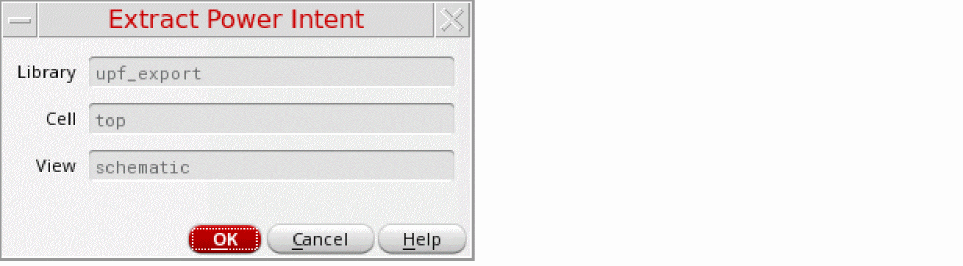
The library, cell, and view name list of the currently open cellview are shown in the form. The fields specify the information of the cellview, which is non-editable, being extracted.
For a pure schematic-based design, Power Manager always extracts a flat (design model, power model, or macro model) 1801. If there are hierarchical blocks in the design that have their own associated 1801 file, the tool does not extract details of that block and generates a hierarchical 1801, instead by integrating the 1801 file of the lower-level blocks. During the extraction of design schematic the identification of design objects and partitioning is performed.
Related Topics
Setup for Automatic Extraction of Power Intent
Identification of Design Objects
Special Isolation Cells in Liberty Power Model Export
Return to top