
State Management
You can save the current state of your settings or load saved states of settings in SystemVerilog Netlister. It is useful when you want to avoid repeated setups of netlisting settings.
To save a state with the specified settings:
-
In the Settings group box of the SystemVerilog Netlister window, click Save State.
The Save State form appears.
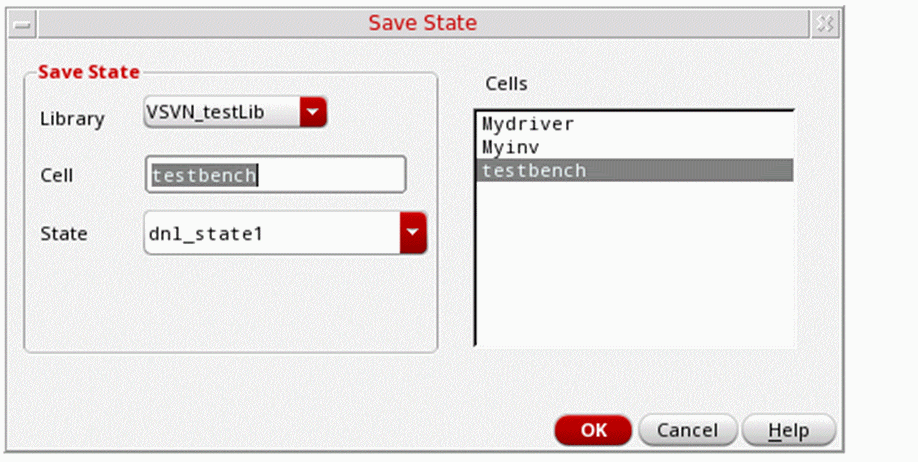
- In the State field, specify a new name for the current state.
- Click OK.
The current settings are saved as a state in SystemVerilog Netlister.
To load a saved state when you launch SystemVerilog Netlister:
-
In the Settings group box of the SystemVerilog Netlister window, click Load State.
The Load State form appears.
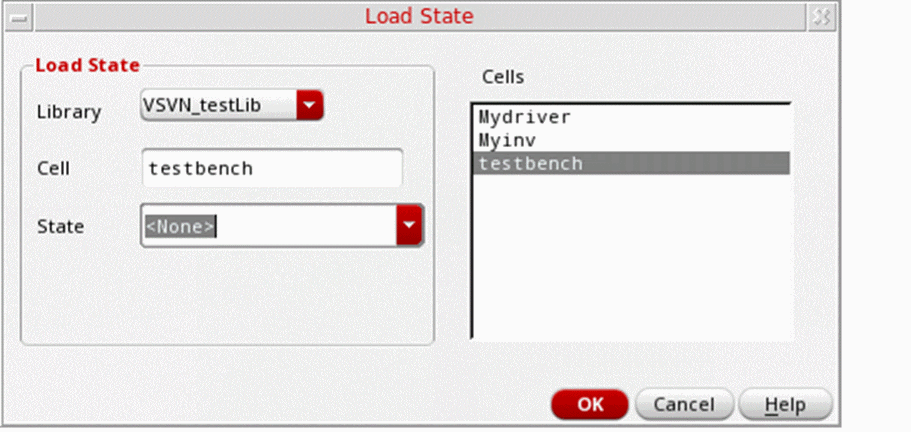
- In the State list, select the name of the state that you want to load.
- Click OK.
The saved state is loaded in SystemVerilog Netlister.
Related Topics
SystemVerilog Netlister Graphical User Interface
Return to top