
Stretching Width Spacing Pattern Regions
You can stretch a width spacing pattern region. The region is stretched based on the Number of X periods/Number of Y periods or a combination of X Step/Y Step and Multiplier.
To stretch a width spacing pattern region:
- Click the Stretch Region icon on the toolbar in the Track Pattern assistant.
-
Press
F3to open the form.
The Stretch Region form appears.
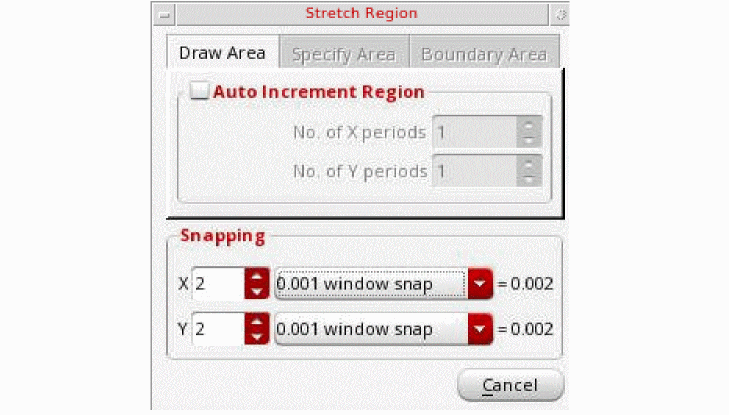
- Select the Auto Increment Region check box to enable the No. of X periods and No. of Y periods fields. The width spacing pattern region will be stretched based in these values.
- Specify the multipliers in the Snapping section. You can specify a multiplier for X and Y fields. The multiplier can be an integer, float, or fraction. You can select the region snapping values from the drop-down list. The X and Y snapping values calculated based on options specified above are displayed after the equal to sign in the Snapping section.
The width spacing pattern region is stretched based on the values specified on the Stretch Region form.
The row region which is at the same location as the width spacing pattern region is also stretched when the Stretch Region command is selected.
Related Topics
Launching the Track Pattern Assistant
Track Pattern Assistant Toolbar
Return to top