
Debugging Abutment
The Debug Abutment plugin is available for cellviews with maskLayout view type and can be used in Layout XL to debug all abutment events.
To launch the plugin, choose Launch – Plugins – Debug Abutment from the layout window menu bar.
The Debug Abutment assistant is displayed.
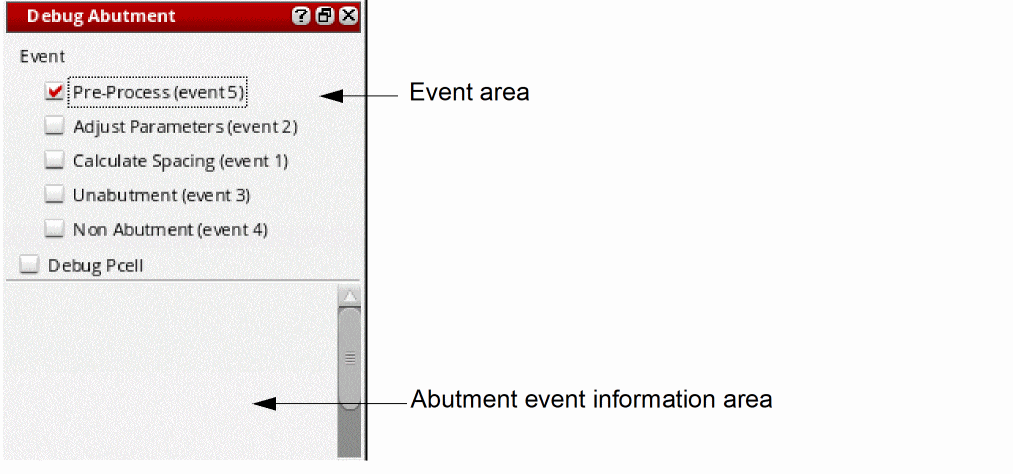
You use this assistant to specify a set of events as break-points in a user-defined abutment function. The Event area lets you choose which event to debug.
- Pre-Process (Event 5)
- Adjust Parameters (Event 2)
- Calculate Spacing (Event 1)
- Unabutment (Event 3)
- Non Abutment (Event 4)
When a command triggers device abutment, the file containing the user abutment function is displayed in SKILL IDE. The device abutment flow pauses in the user-defined abutment function if the current event matches the events selected in the assistant and information on the pair of abutting devices is displayed in the Abutment event information area. You can then step through the abutment function using the SKILL IDE commands.
Related Topics
Return to top