
Display of Mosaics in Abstracted Mode
The following features define the display of mosaics in Abstracted mode:
- An abstract representation of the unit cell is repeated.
- A bounding box is added for the mosaic on the boundary or visible layer.
-
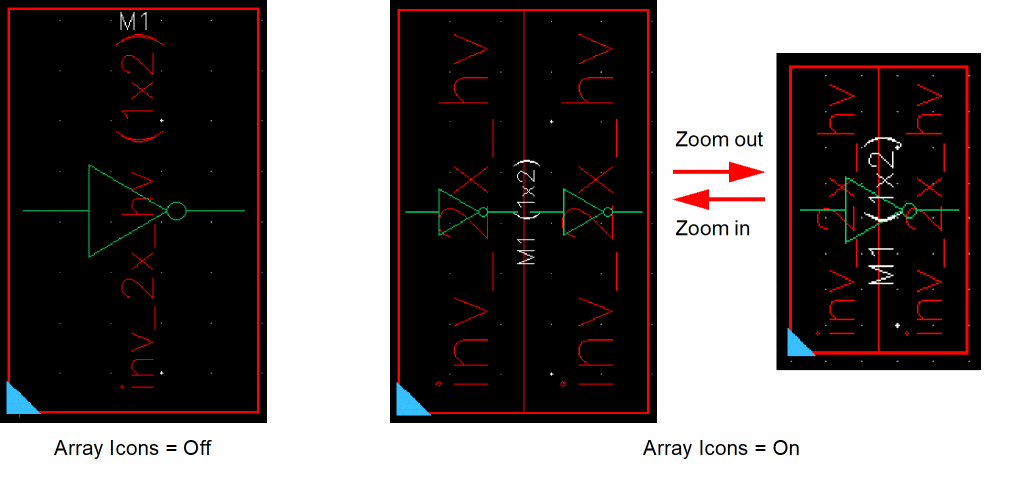
An array representation of the mosaic is displayed and a label specifying the array dimension is added to the mosaic instance name. For this, the Array Icons check box in the Display Options form must be selected.
For information about the Display Options form, see Setting Display Options in Virtuoso Layout Suite XL: Basic Editing User Guide.
The abstract display changes with the display level. The following figure shows how a mosaic with a 1x2 array is displayed in Abstracted mode when the display level is set to 0.
The following figure shows how a mosaic with a 1x2 array is displayed in Abstracted mode when the display level is set to 1.
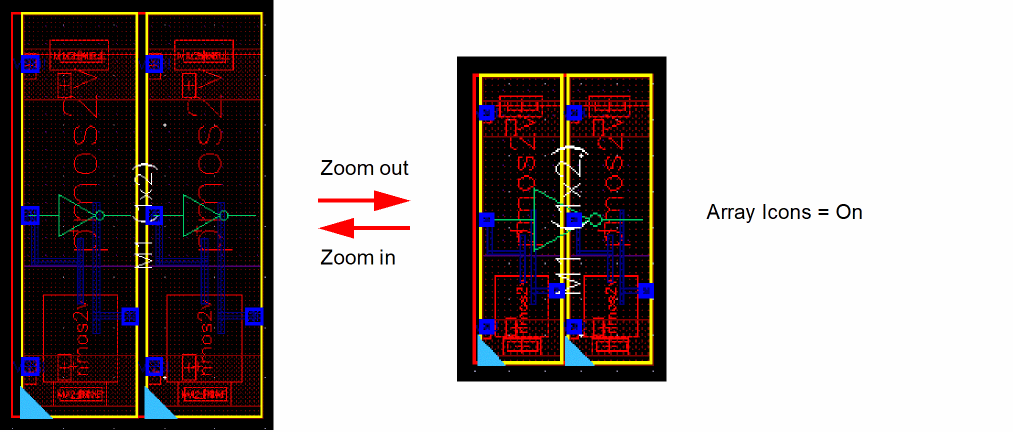
Zooming out the design displays one large symbol for the entire mosaic instance if the number of pixels defined for the schematic symbol of a unit cell goes below the threshold.
Related Topics
Return to top