
Schematic Assistant
Use the Schematic assistant in Layout to view the current design as displayed in the Virtuoso Schematic Editor. You can move around and zoom in and out on the design as normal, and you can select parts of the design as if you were using the Virtuoso Schematic Editor. The Schematic assistant is useful, for example, for cross-probing, cross-selecting, or using it as a reference.
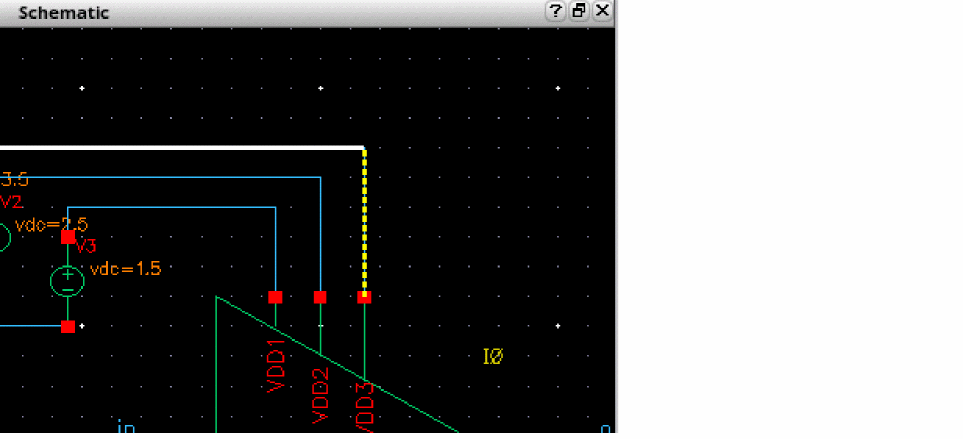
The Schematic assistant works only in preselect mode, that is, you must select an object before it can be interacted with.
The design must be open in the Virtuoso Schematic Editor in the same session for the Schematic assistant to display anything.
Return to top