
Saving Modified Data
You can save all currently open and modified cellviews and data using the Save Modified Data form. The form checks for five types of data - cellviews, physical configuration, constraints, property bag (data.dm), and technology files (tech.db). The form lets you save this data from the virtual memory.
To save all open and modified cellviews:
-
In the CIW, choose File – Save Data.
The Save Modified Data form appears.You can sort the information by clicking any of the column headers.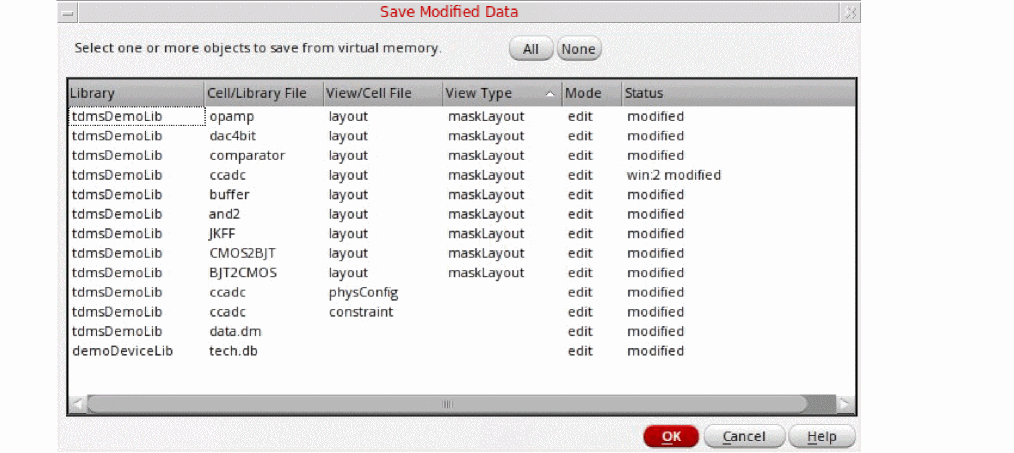
- Specify the data to save as follows:
- Click OK.
All modified cellviews are saved but stays open for any further editing.
Related Topics
Return to top