
Running Design Intent Reports
To run a design intent report from either Schematics XL or Layout XL:
-
Click Report
 on the Design Intent toolbar. The Configuration: Design Intent Report dialog box is displayed.
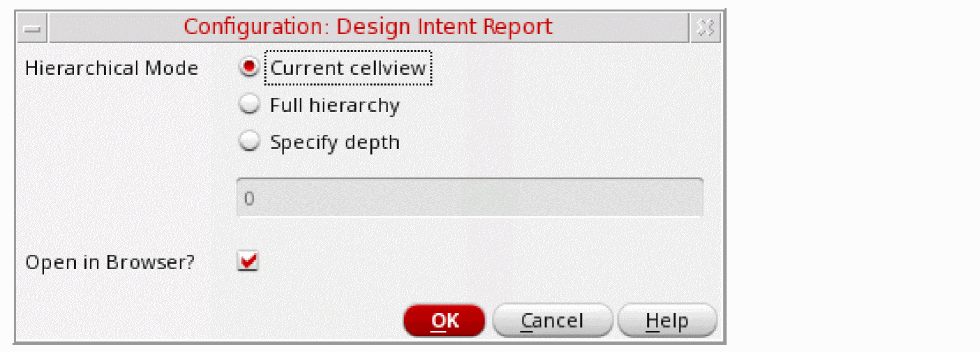
- Select the Hierarchical Mode required:
- If Open in Browser? is selected, when you click OK, a new web browser is opened displaying the full report for the design. Deselecting this option generates the report without opening it.
-
Click OK.
The report is generated and displayed for review.
Return to top