
Design Intent Info Balloon
Design intent info balloons are accessed by clicking on a glyph and they display directly on the canvas.
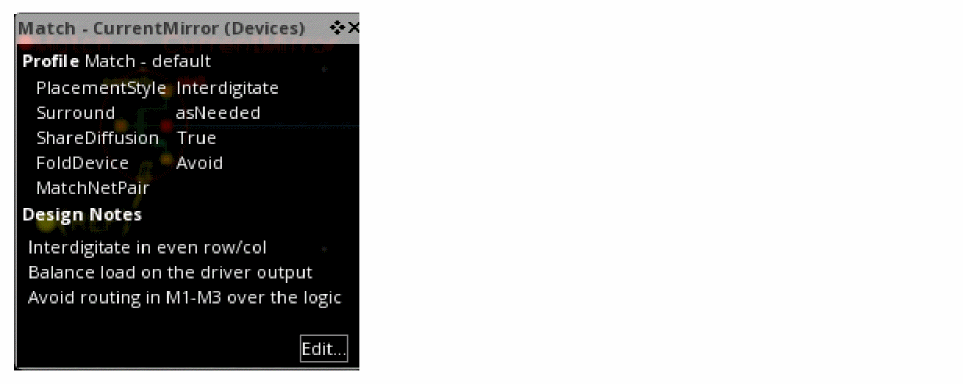
Each info balloon contains details of the design intent including the profile properties and notes. In Layout XL, the Implementation Status and Notes are also displayed.
Clicking Edit opens the Edit Design Intent Form where you can edit the design intent or update its implementation status.
You can pin and reposition an info balloon as needed.
Related Topics
Return to top