
The Waveform window lets you view the waveforms that represent the signal transitions during a simulation.
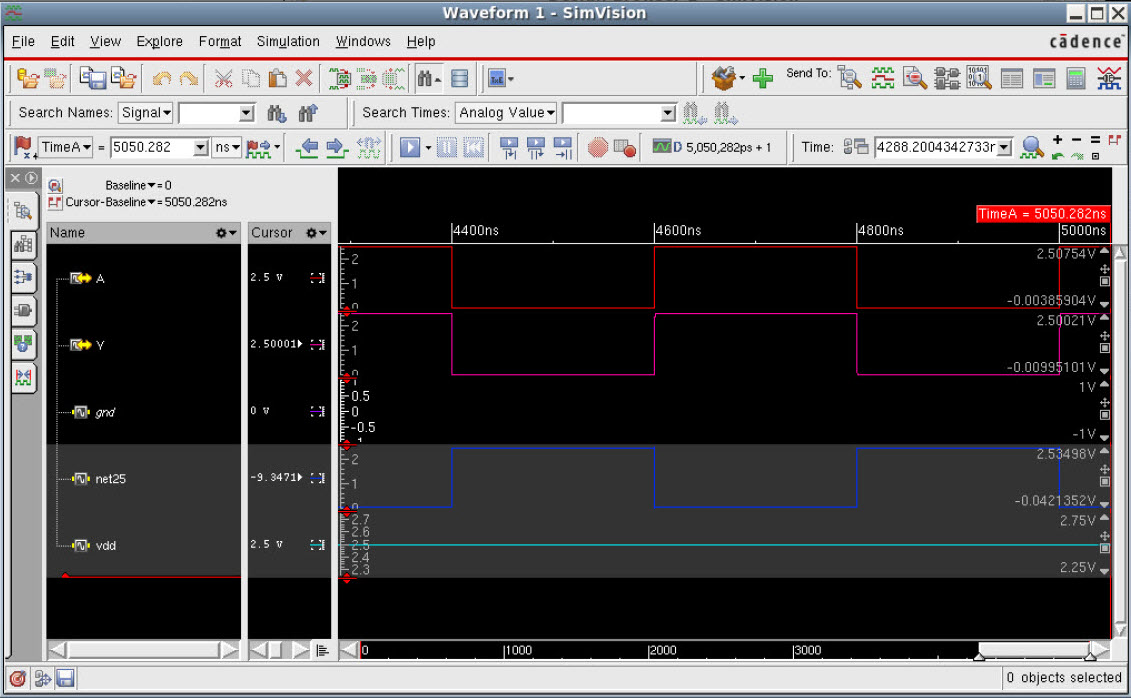
The Waveform window can be invoked using the  icon on the toolbar. It can also be invoked using the right-click option, Send to Waveform Window, from the other Simvision MS windows. When launched, the Waveform window looks like the following:
This chapter contains the following topics: