Product Documentation
Virtuoso Concurrent Layout User Guide
Product Version IC23.1, November 2023

View Instance Occurrence Form

Lets you view the instance occurrences up to a specific display level. The minimum value is 3.
Field

Description

Master

Displays the library, cell, and view information of the selected instance, and the number of occurrences of the master cellview.

Instance List

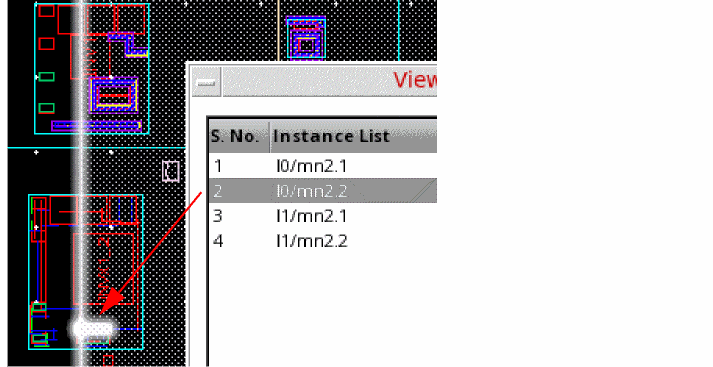
Displays all instance occurrences of the selected subblock in the hierarchy. When you select an instance listed in the form, its occurrence in the design is highlighted.

If an instance is selected in the canvas, the View Instance Occurrence form is displayed with the information on this instance. If more than one instance is selected in the canvas, the form shows the first instance and deselects all other instances.

Zoom to Selected Occurrence

Zooms into the selected instance in the canvas.

This option is available only when you open the form by clicking the ViewOcc option in the Layout Configuration form.

Related Topics

Layout Configuration Form

Verifying Incremental EIP Updates


Return to top

 ⠀
X