
Editing a Subcell Incrementally After Descending In Read Mode
To edit a hierarchical subcell in Regular or Incremental mode after you descend in read mode:
-
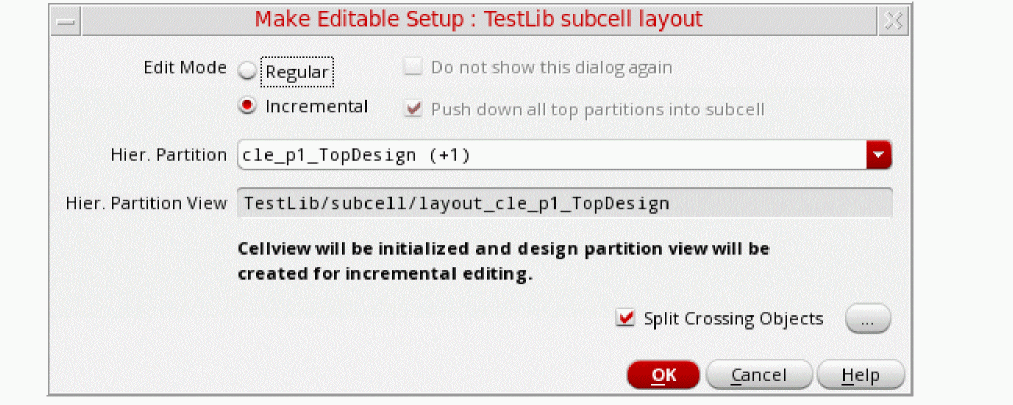
In the Layout XL or Layout EXL window, choose File – Make Editable.
The Make Editable Setup form is displayed. (See Hierarchical Edit Setup Form)
-
Choose Regular or Incremental to start editing the hierarchical subcell.
If you choose the Incremental option, then the hierarchical design partition views are created.
You can now start editing the hierarchical subcell.
Related Topics
Return to top