
Initializing the Design for Concurrent Layout Editing
The first task for the manager is to initialize the design to get it ready for concurrent editing:
-
Choose Concurrent – Initialize from the menu bar or click Initialize in the Concurrent Layout assistant toolbar.
The Initialize Design form is displayed.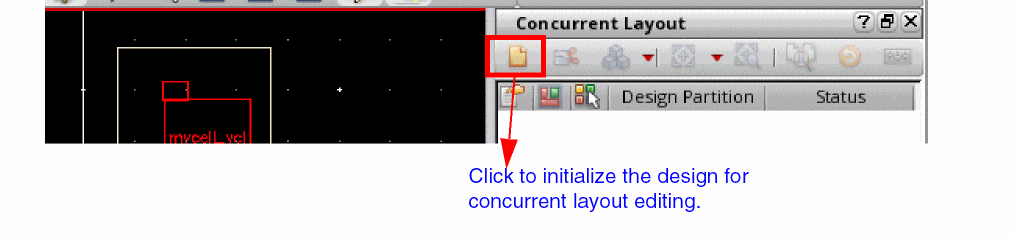
- Select Multiple Users (Concurrent Editing) option.
Initialization saves some information about all the objects in the design. It is used as a reference later to identify and merge back the objects edited in a design partition.
After the design is initialized for concurrent editing, additional options will be available on the Concurrent menu and the Concurrent Layout assistant.
Generate All From Source is disabled after initialization because it can erase concurrent layout data saved in the initial design. Run this command before initialization.
Related Topics
Join Objects and Update Definition Form
Concurrent Layout Assistant in Manager Mode
Return to top