
Applying Settings to Specific Groups
Settings specified for the Global group are applied to all the instances that are not a part of any other group.
To apply different settings to some specific instances, perform the following steps:
-
In the Settings Groups section, select the group name that contains the hierarchical instances for which you need to modify the settings. The properties of the selected groups are shown in the Settings (<group-name>) section.
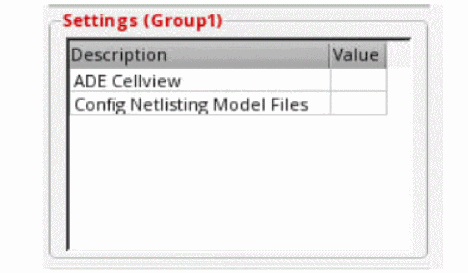
- Double-click the Value cell corresponding to the setting you want to modify.
-
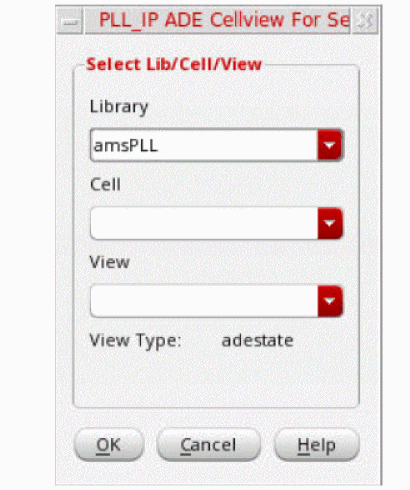
Enter the value to the form that is displayed.Different forms are displayed to specify the ADE cellview or model files. For ADE cellviews, the <inst-name> ADE Cellview for Selected Instances form is displayed, as shown below.For Config Netlisting Model files, the Setup Model form is displayed.
Return to top