
Highlighting Selected Objects on the Layout Canvas
To locate an object selected for a model:
-
Click the object in the Object Selection section.
Alternatively, you can also use the Select All or Deselect All commands from the context-sensitive menu of the objects on this tab to highlight all objects or remove all highlights.
Layout MXL highlights the object and all the shapes inside it. This lets you identify the objects and shapes that would be sent to the solver.
The highlighting of shapes in the hierarchy is dependent on the display stop level set for the layout.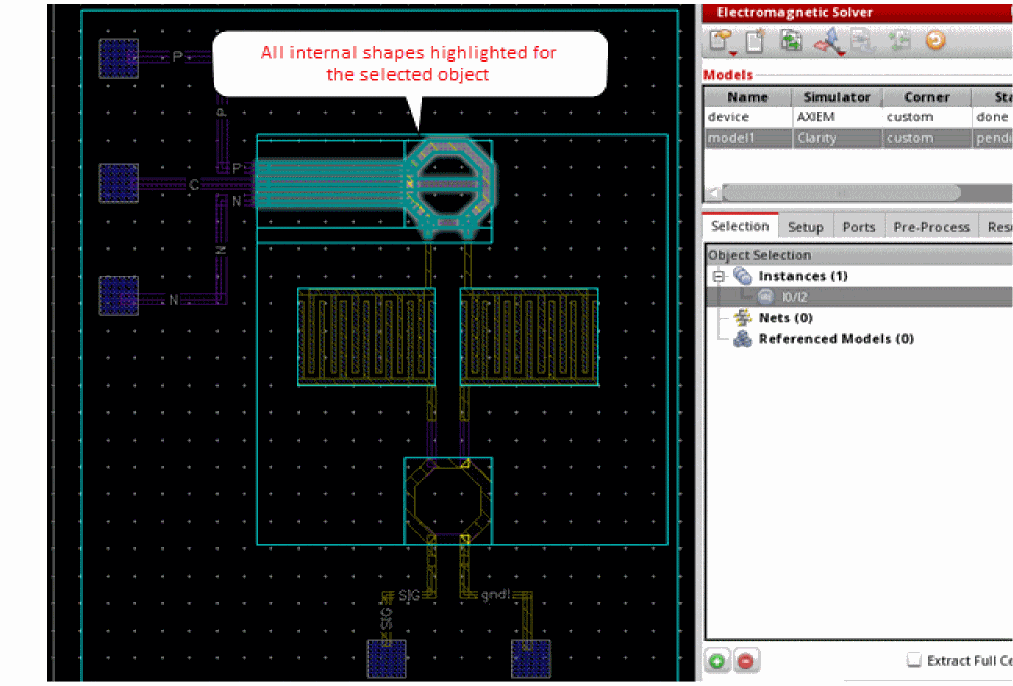
Related Topics
Selecting Objects from an IC Layout
Return to top