
Deleting a Pin Group Guide
-
Choose Floorplan – Pin Group Guides – Create.
In Layout EXL and higher tiers, choose Plan – Pin Planning – Create/Edit Pin Group Guide.
The Pin Group Guide form appears. -
Specify the name of the new pin group guide in Group Name field or click New to generate a unique group name.
You can edit the automatically-generated group name. - Select the instance name from the list on the GUIDES tab.
- Right-click to display the shortcut menu.
-
Select Delete Guide. The selected guide is marked for deletion as displayed in the figure below:
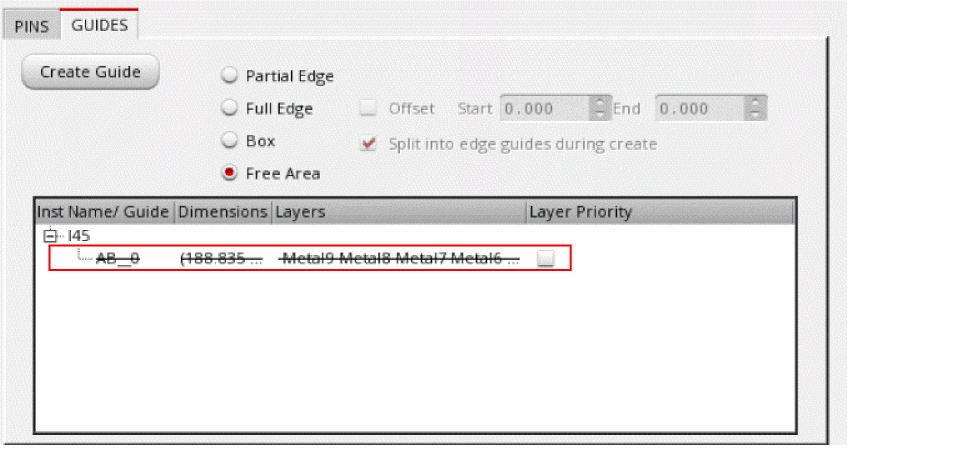
- Click Apply to remove the guide from the Guides list.
Related Topics
Return to top