
Loading Solutions Generated by Block Placer
By default, block placer loads the best solution among the solutions it generates. You can also load other solutions that block placer generates.
-
Choose Floorplan – Block Place – Load Solution.
In Layout EXL and higher tiers, choose Plan – Block Planning – Load Solutions.
The Load Solutions form is displayed.
The load solution command reads the number of solutions present for a design in the directory specified by BPDIR variable (or bpLogs directory within the testcase directory) and lists the number of solutions in the Load Solution Number field in the form.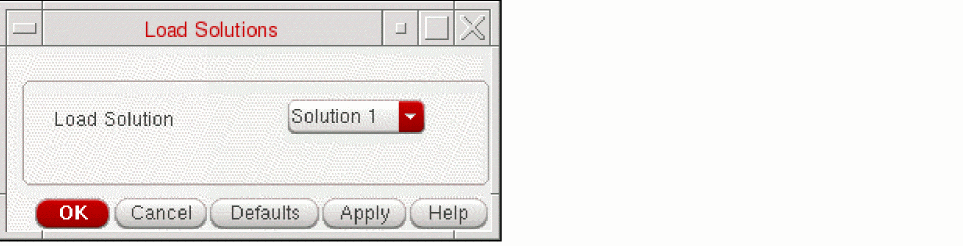
- Select a solution number in the field.
- Select the Undo command to undo the changes made by the new solution. When you undo the changes, block placer restores the previous state.
- Click OK to load the selected solution number.
A summary report of loading the solution is displayed in CIW as shown in the following figure.
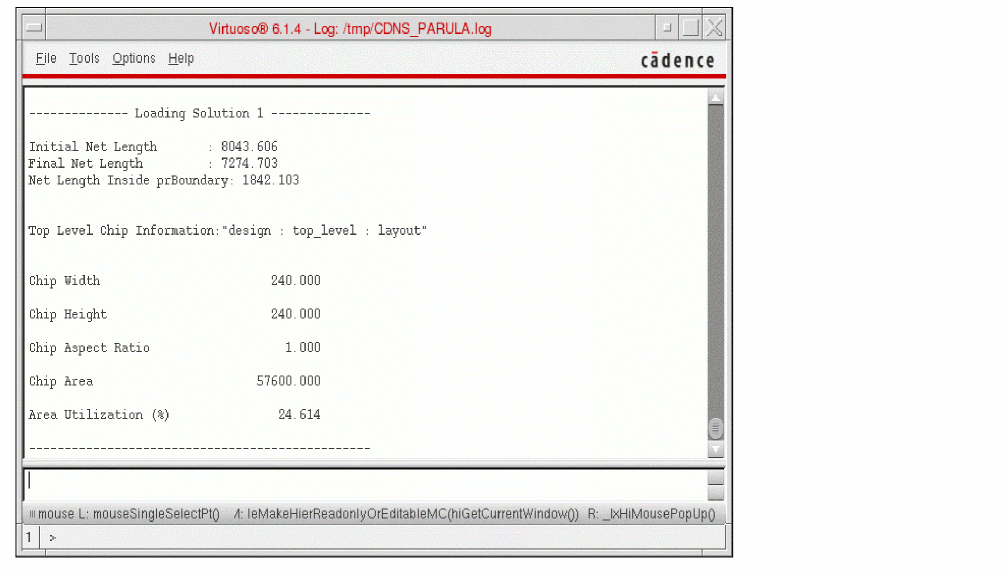
After the solution is loaded, the design automatically fits in the workspace.
Related Topics
Return to top