
Reporting Placement Statistics
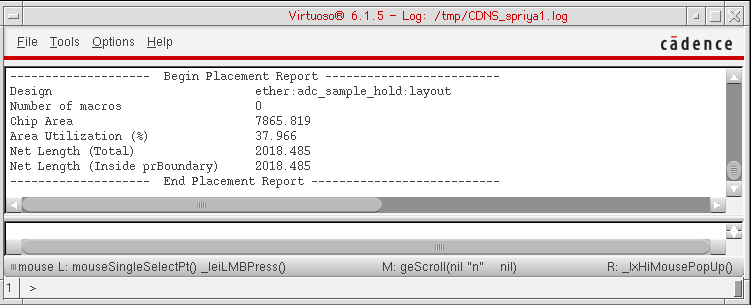
After running the block placer, you may want to make minor manual adjustments or automated adjustments such as using the Soft Block Update commands to remove overlaps or pulling blocks inside boundary. After making the adjustments, use the Floorplan – Block Place – Report Placement Statistics option to display the placement report in the CIW.
To report placement statistics:
- Choose the Floorplan – Block Place – Report Placement Statistics option to view the placement statistics report at any time after block placement.
- In Layout EXL and higher tiers, choose Plan – Block Planning – Report Placement Statistics.
You can use the placement report to review the placement statistics and analyze the results.
Related Topics
Specifying Block Placer Generic Settings
Return to top