
Setting Site Information for Filler Cells
You need to set the site information for filler cells before running the floorplanning commands.
To set the site information for filler cells in the layout window:
-
Click the File – Properties command.
The Edit Cellview Properties form opens.
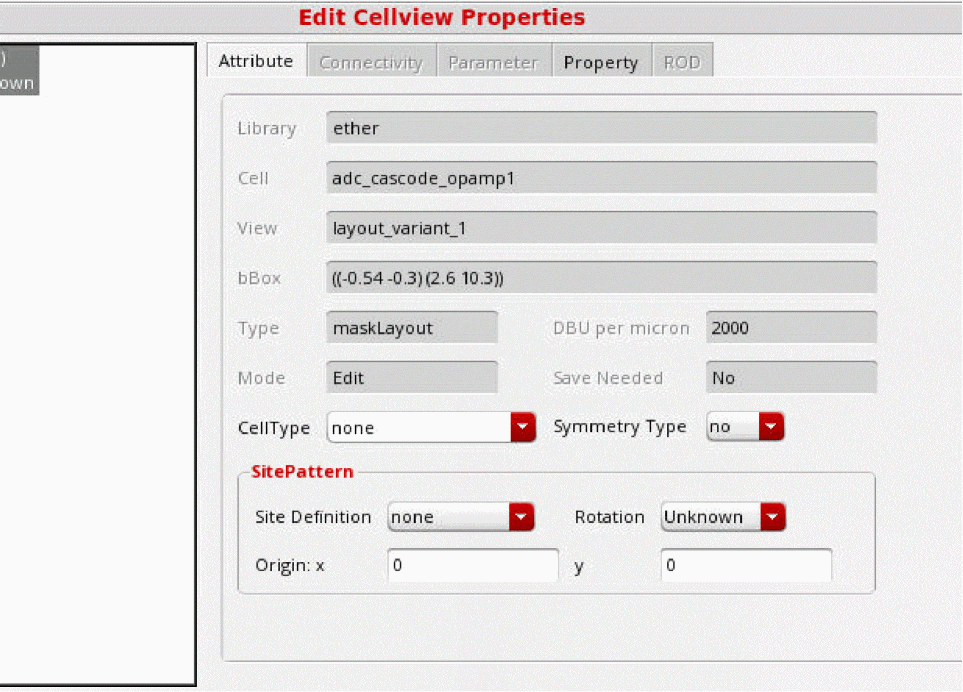
- Use the options in the SitePattern group box to set the site information for filler cells.
- Click Apply.
Related Topics
Return to top