
Modgen Dummy Properties
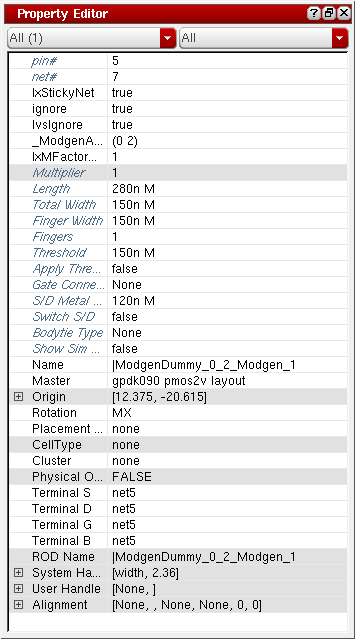
You can view and change parameters of Modgen dummy instances using the Property Editor assistant in the Modgen editor window. To open the Property Editor assistant, right-click the menu area and select the Property Editor option from the shortcut menu.
The updated parameter values are stored in the dummyParams member parameter in the Modgen constraint.
Use one of the following methods to reset the connectivity of dummies.
-
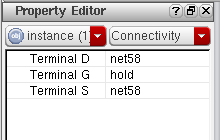
Using the Property Editor Assistant: Use this method to individually reset connectivity of terminals within a dummy. Each terminal can be connected to a different net.
To reset connectivity using this method, open the Property Editor assistant by right-clicking the menu area and selecting the Property Editor option from the shortcut menu. Filter the dummies by their connectivity and update the net name.
Related Topics
Neighbor Dummy Type for Modgens
Backannotation of Dummy Devices
Return to top