
Adding Empty Rows and Columns to Modgens
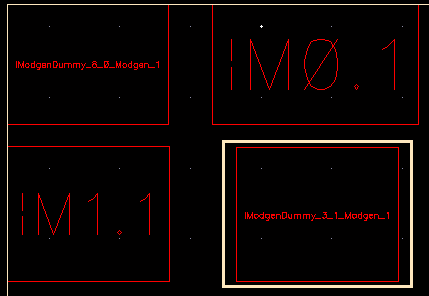
To add an empty row, select an instance in the row above or below which you want to add the row.
-
On the Modgen Placement toolbar, click the arrow next to the Add Empty Row/Column
 button and select Add Empty Row Top or Add Empty Row Bottom.
 - Right-click the instance, navigate to Add Empty Row/Column, and select Top or Bottom.
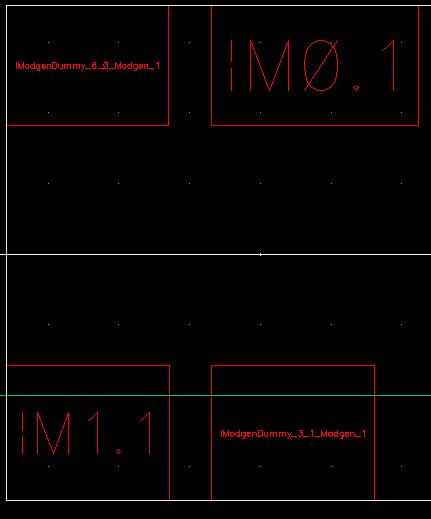
To add an empty column, select the instance to the right or left of which you want to add the column.

-
On the Modgen Placement toolbar, click the down arrow next to the Add Empty Row/Column
button and select Add Empty Row Left or Add Empty Row Right.
- Right-click the instance, point to Add Empty Row/Column, and select Left or Right.

Instead of using the GUI, use the mgAddEmptyRCCB API to add empty rows and columns.
Related Topics
Placing Modgen Members Interactively
Adding Empty Rows and Columns to Modgens
Highlighting and Deleting Empty Modgen Rows and Columns
Selecting Rows and Columns in Modgens
Return to top