
Running Pegasus Interactive SignOff Fill
After completing the settings in the Snapshot Creator form, you run signoff fill. The Pegasus Interactive toolbar shows the pegasus_fill snapshot. The Run Pegasus Interactive SignOff Fill icon on the left of the snapshot name reflects that the selected snapshot is of the type Fill.

Perform the following steps to run Pegasus Interactive signoff fill:
-
Click the Run Pegasus Interactive SignOff Fill icon. Virtuoso CIW prints the message: SignOff Fill is running…. Once the fill run is completed, Virtuoso CIW prints the message: SignOff Fill is finished successfully and dummy fills are shown on the layout canvas.
The generated fills are inserted as instance.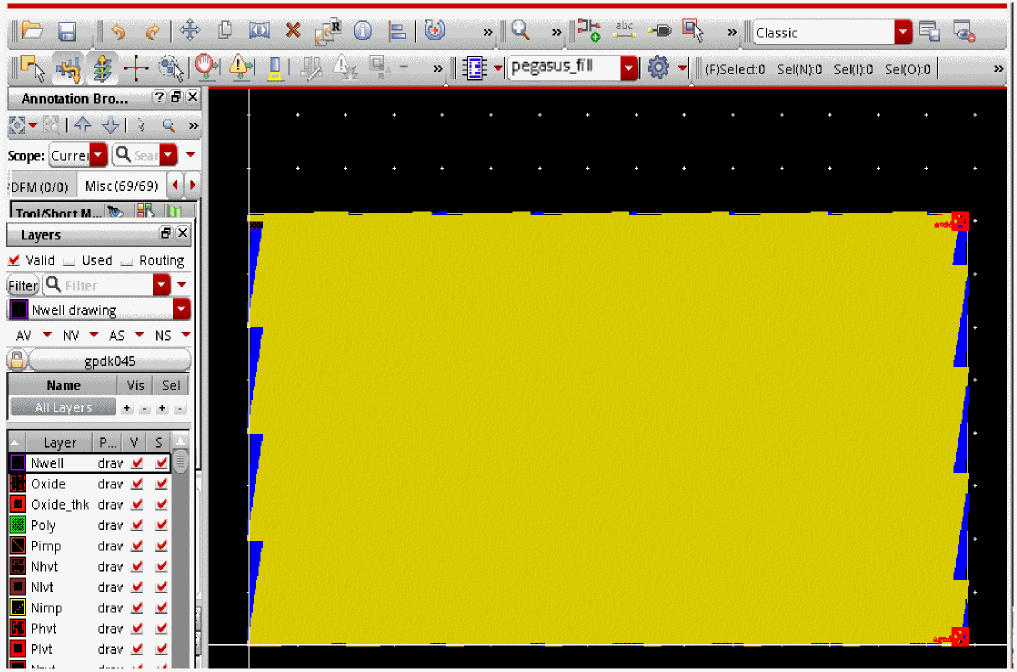
-
The tool by default adds primary prefix
pegasus_filland secondary prefixsnapshot_nameto the name of the cell and puts it to the same library as the parent cell. You can change this behavior from the Pegasus Interactive Run Options form.
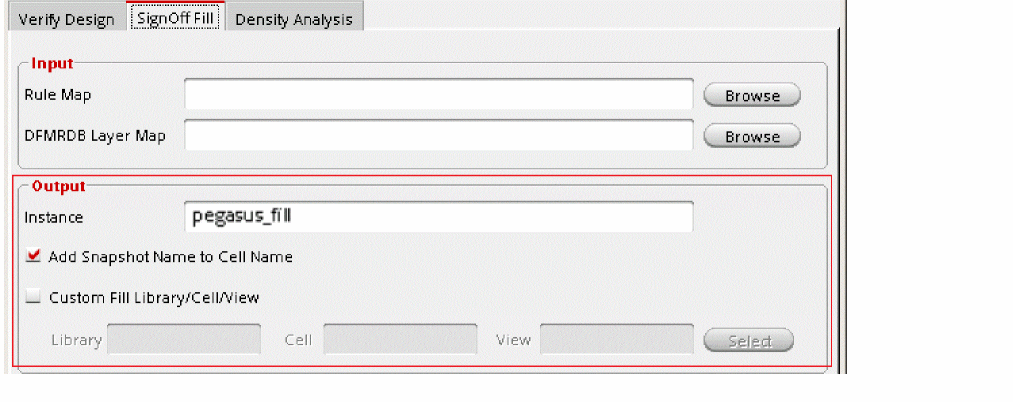
In the steps above, the SignOff Fill was run for all layers. On similar lines, you can run this for active layers, visible layers, custom layers and for the specified area by making appropriate selections in the Pegasus Interactive Run Options form. For more details see, Run Settings for SignOff Fill.
Return to top