
Resetting the Histogram and Heat Map Display
To reset the histogram and heat map to display every gcell, you need to reset the filtering. To do this:
-
Click the Filter icon
 from the Congestion Analysis toolbar.
 -
Click the All Layers without filtering option from the drop-down list.
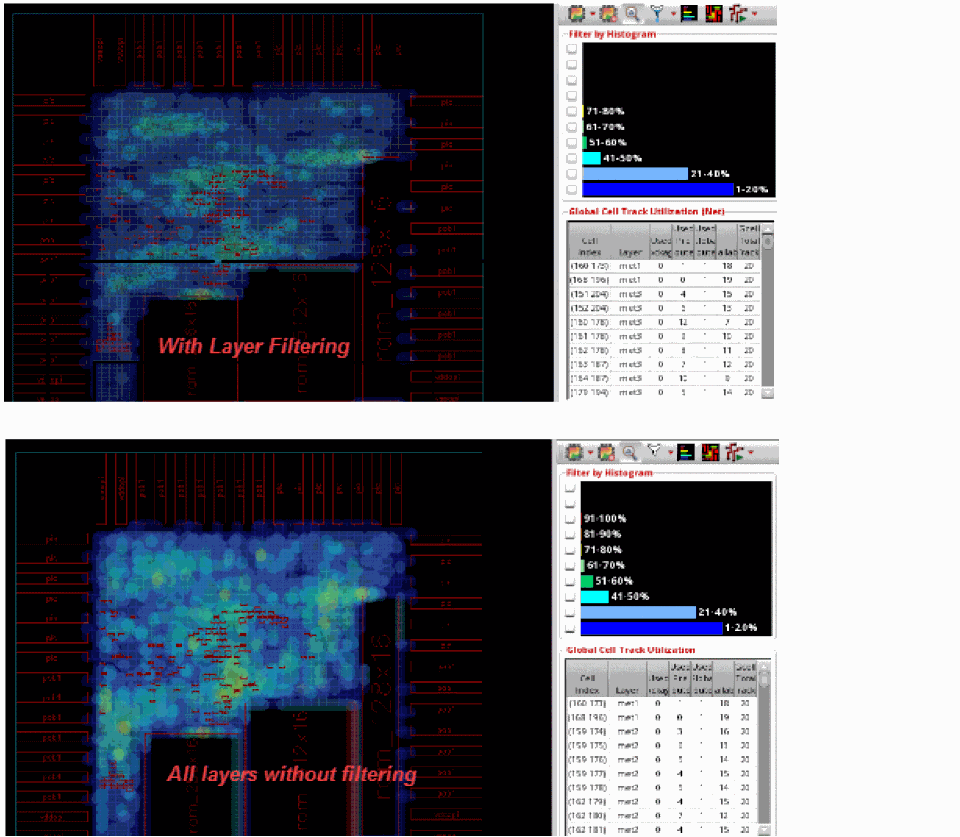
The following figure shows the congestion analysis results when the All Layers without filtering option is selected.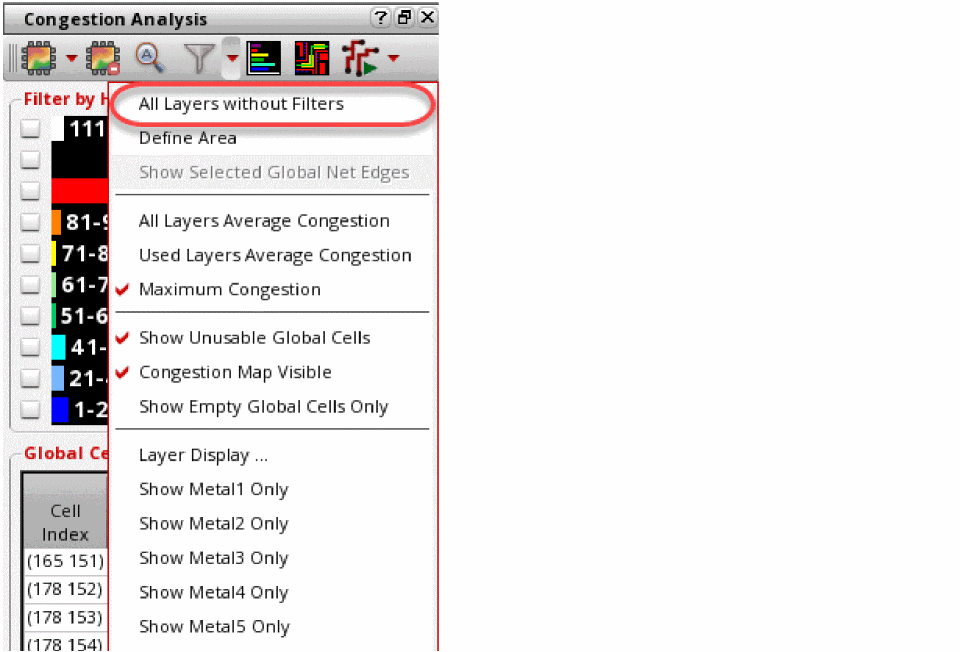
Related Topics
Results Based on Histogram Customization
Return to top