
Instance Remastering
You can hierarchically remaster cellviews based on view names, cell names, and the library in which they reside by using the Remaster Instances command. For example, remastering the abstract views with layout views directly before translating the final design to Stream format provides optimal performance. Replacing cellviews before editing the design can add unnecessary complexity to the design for routing and editing purposes.
There are various options for remastering cellviews. By leaving text fields blank in the Remaster Instances form, entire libraries and cellviews can be searched for matching cellviews and view names. You can use the asterisk (*) wildcard to replace any number of characters prior to or following the asterisk.
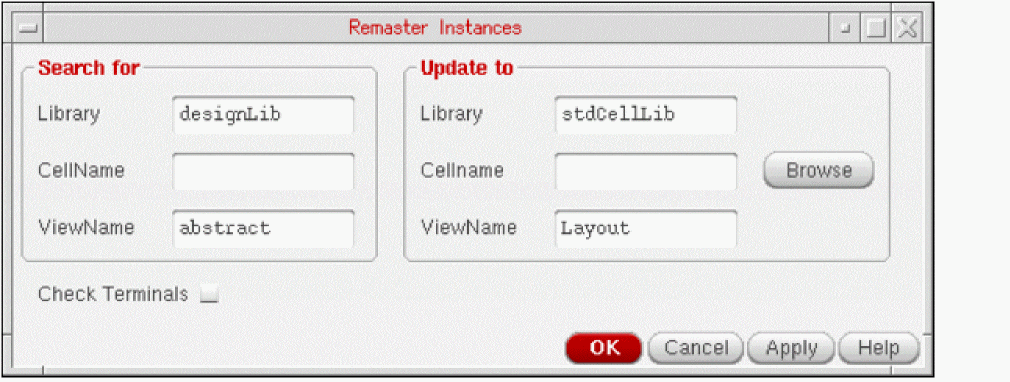
The following are some of the common types of searches and remastering of cellviews you can perform using the Remaster Instances form. The following figure shows that all instances in the current cellview that have masters from the library designLib and the view abstract are remastered to the library stdCellLib and the view Layout, and their master cell names are not changed.
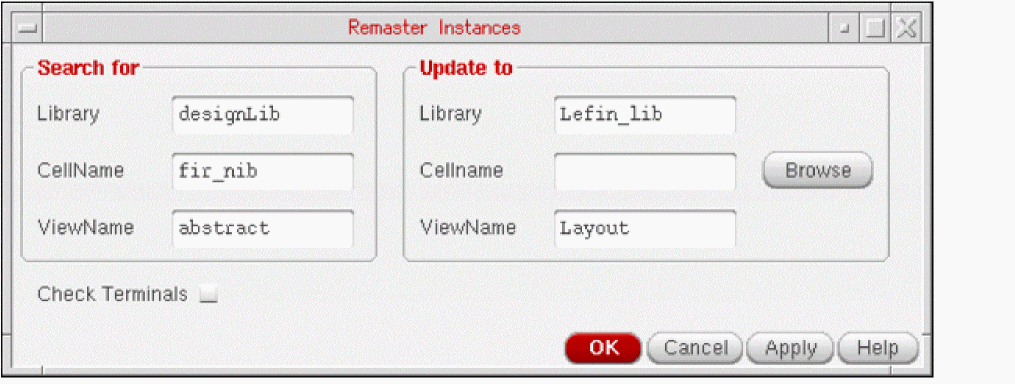
The following figure shows that all instances of designLib/fir_nib/abstract in the current cellview are remastered to Lefin_lib/fir_nib/Layout.
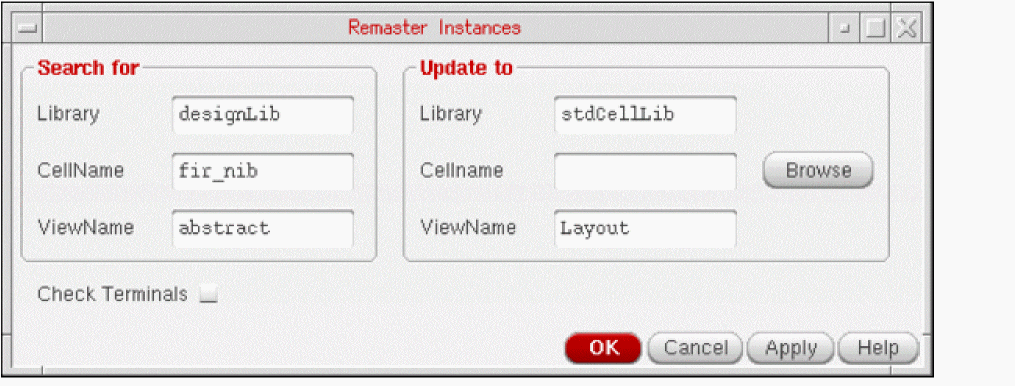
The following figure shows that all instances of designLib/fir_nib/abstract in the current cellview are remastered to stdCellLib/fir_nib/Layout.
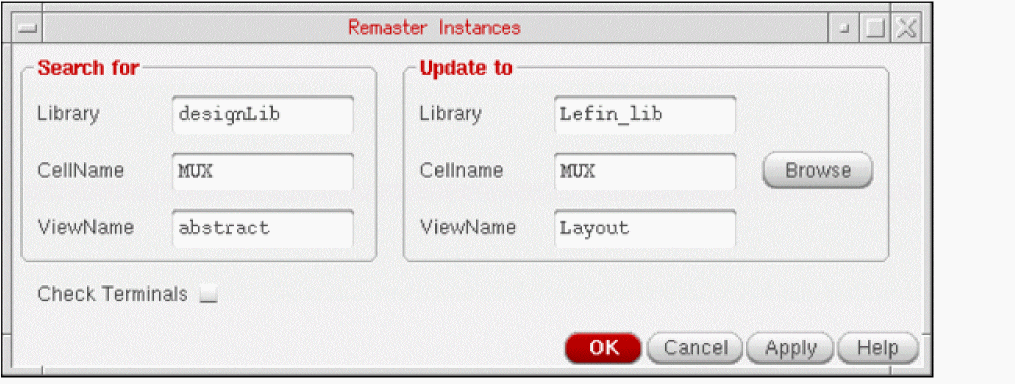
The following figure shows that all instances of designLib/MUX/abstract in the current cellview are remastered to Lefin_lib/MUX/Layout.
Related Topics
Terminal Checking During Instance Remastering
Replacing Instance Abstract Views with Layout Views
Return to top