
Layer Generation
By using the Layer Generation command, you can perform Boolean edits such as resizing and merging objects on a layer. Layer Generation edits the copies of objects; original objects remain unchanged.
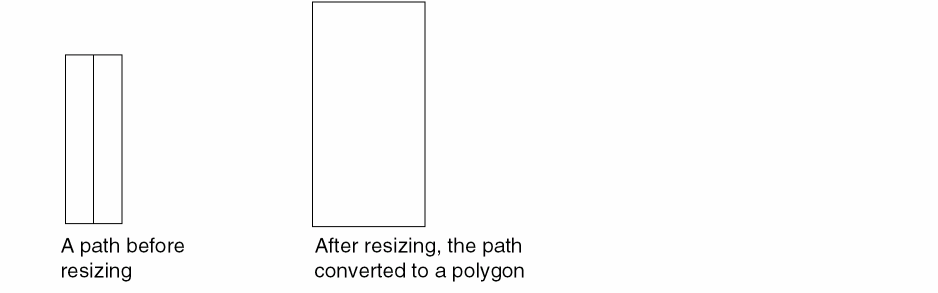
When you resize an object such as a path by using size, the object is converted to a polygon. When you use the Layer Generation form, the original path remains and the new object on the new layer is converted to a rectangle or a polygon.
For example, if you enlarge a path by size, the resulting object is a polygon.
You can also create an abstract of your design and use it for place and routing. You can generate an abstract by using the Tools - Abstract Generation command, which opens the Virtuoso Abstract Generator tool.
Related Topics
Making Changes to Objects on Layers
Return to top