
Making Changes to Objects on Layers
To enlarge copies of the objects selected:
- On the layout canvas, select the objects that you want to resize.
-
Choose Tools – Layer Generation.
The Layer Generation form opens. -
Fill out the Layer Generation form. Specify the input layer, Boolean operator, the resize value, and the output layer. The output layer can be same as the input layer.
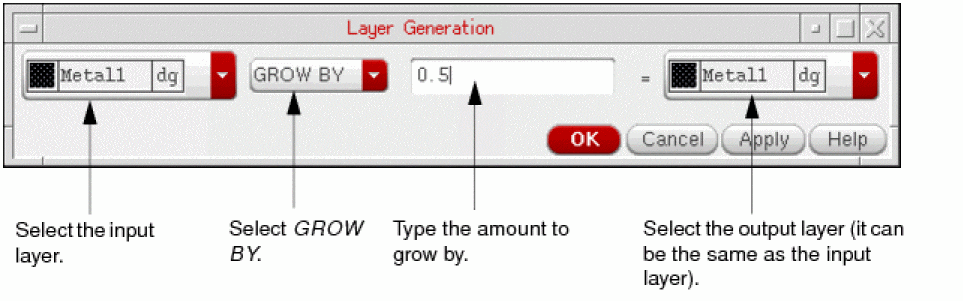
-
Click OK.
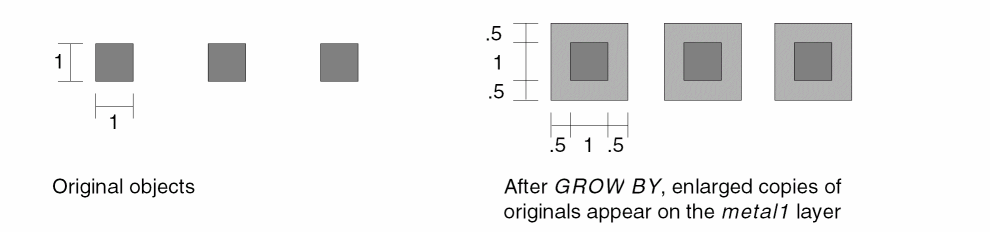
Copies of the selected objects are enlarged.
Related Topics
Return to top