Edit Cut Pattern Form
Use the Edit Cut Pattern form to edit cut patterns for standard and custom vias.
|
Field
|
Description
|
|
Quick Edit
|
Allows you to edit the cut pattern in conjunction with the Patterns cyclic field to select a predetermined pattern. The form displays a maximum of ten rows and ten columns when you select this option. You can create a cut pattern with rows and columns that are fewer than the rows and columns of the array, since the selected pattern repeats across the entire array, starting from the lower left corner of the array and repeating upwards and to the right.
|
|
Wall Paper
|
Allows you to edit the edit the cut spaces cut by cut or use the Patterns cyclic field to select a predetermined pattern. To edit cut by cut click the square to turn off the cut. This leaves a space in the cuts when you create the via. The form displays a maximum of ten rows and ten columns when you select this option. You can create a cut pattern with rows and columns that are fewer than the rows and columns of the array, since the selected pattern repeats across the entire array, starting from the lower left corner of the array and repeating upwards and to the right.
|
|
Manual Edit
|
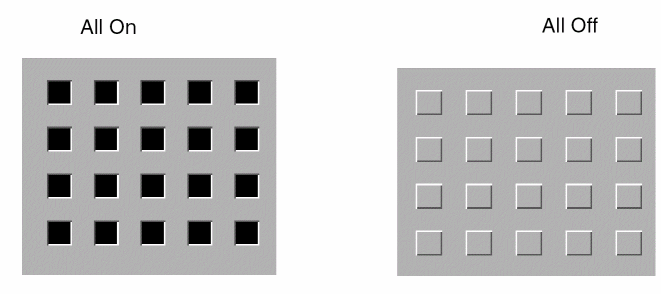
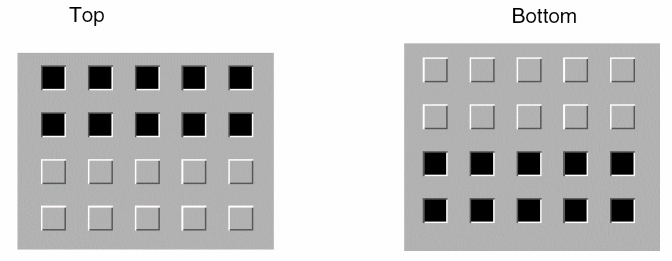
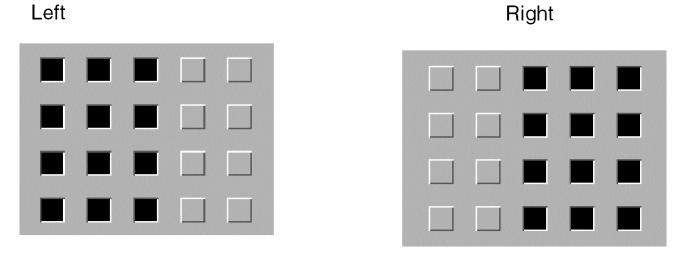
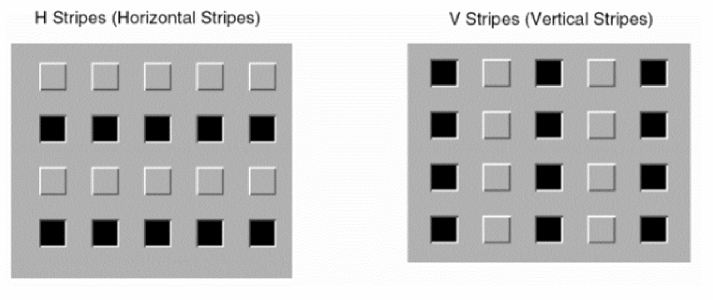
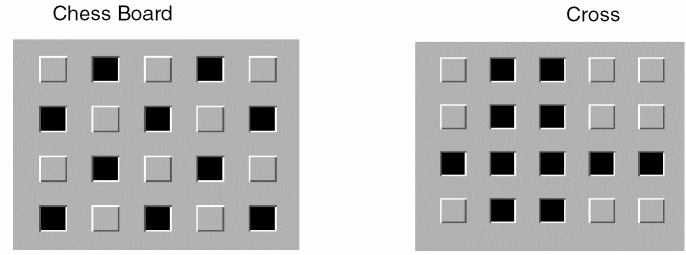
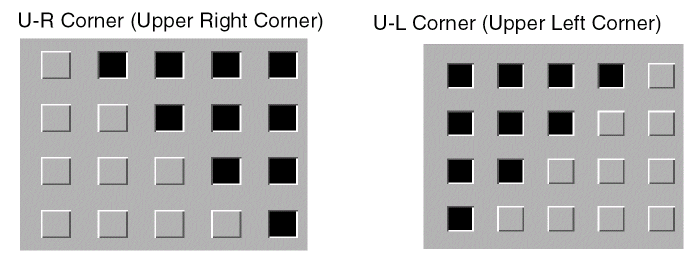
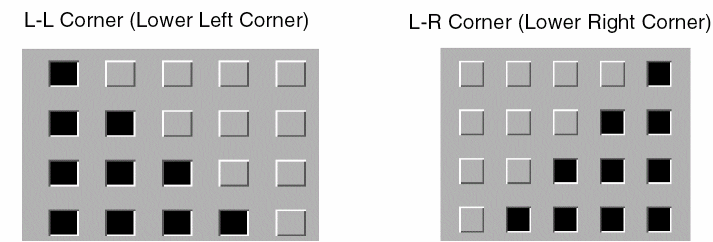
Displays all of the rows and columns. You can edit the cut spaces cut by cut or use the Patterns cyclic field to select a predetermined pattern like those shown below. To edit cut by cut, click the square to turn off the cut. This leaves a space in the cuts when you create the via.
|
|
Patterns
|
Lets you select a predetermined pattern, such as All On, All Off, Top, Bottom, Left, Right, H Stripes, V Stripes, Chess Board, U-L Corner, U-R Corner, L-L Corner, L-R Corner, Cross, Farm, and As Is.
|
|
|
|
|
Paper Size
|
Allows you add or delete rows or columns to the cut pattern when Wall Paper is selected. The form displays a maximum of ten rows and ten columns when you select this option.
-
Left arrow: Deletes a column with each click.
-
Right arrow: Adds a column with each click.
-
Up arrow: Adds a row with each click.
-
Down arrow: Deletes a row with each click.
|
Related Topics
Editing Cut Patterns
Return to top