
Creating Tapers
You can use the Taper command to create a one-segment transmission line that connects two transmission lines of different width settings. You create tapers similar to the way you create paths.
-
In the layout window, choose Create – Microwave – Taper.
The Transmission Line Taper form appears.
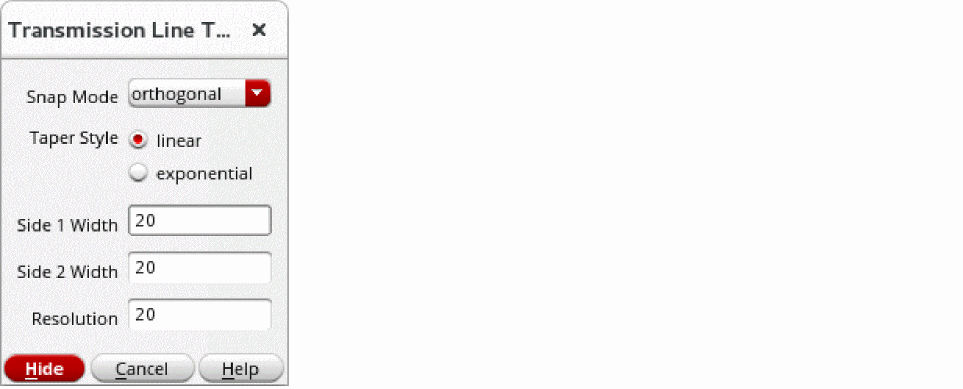
- Type in the beginning and ending widths of the taper in the Side 1 Width and Side 2 Width fields.
-
Click on the canvas to create each point of the taper.
The following is a completed taper.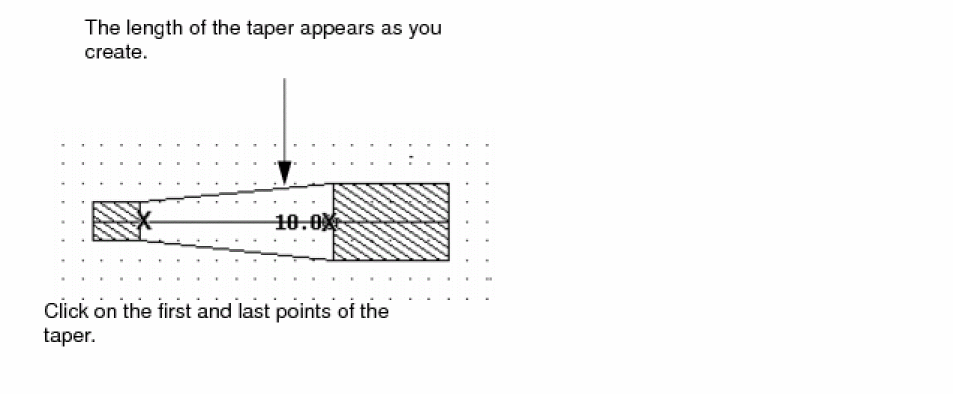

Related Topics
Return to top