
Selecting Chopped Subpath Ends in Multipart Paths
In partial selection mode, you can select the ends of one or more chopped subpaths in a multipart path and stretch them.
You cannot directly select a set of subrectangles, but selecting and stretching the chopped end of a subpath causes all chopped parts in the multipart path to be regenerated, including chopped sets of subrectangles. The system regenerates subrectangles along orthogonal segments only.
To select the end of one chopped subpath, do one of the following in partial selection mode:
-
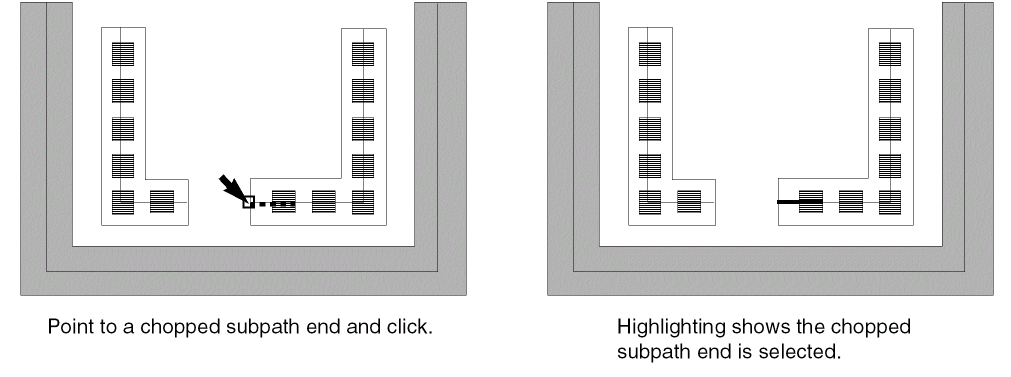
In partial selection mode, point to a chopped end and click on it.
As you point, the chopped end is highlighted with dotted lines.
-
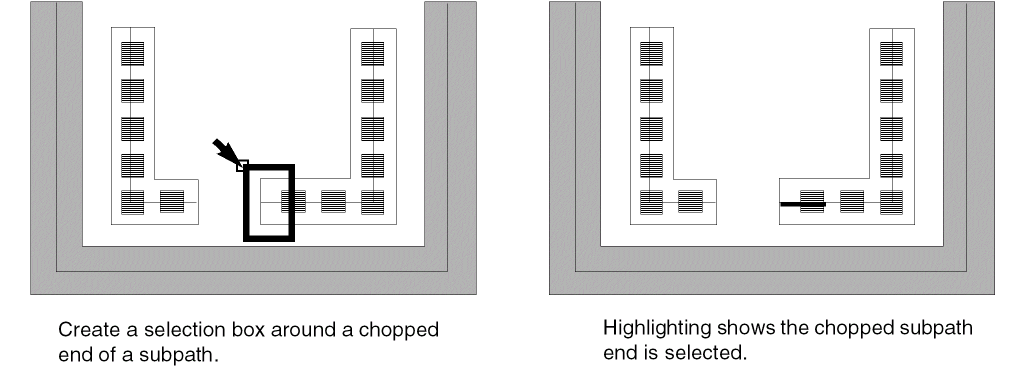
Create a selection box around the chopped end of a subpath.
Related Topics
Return to top