
Selecting a Whole Multipart Path
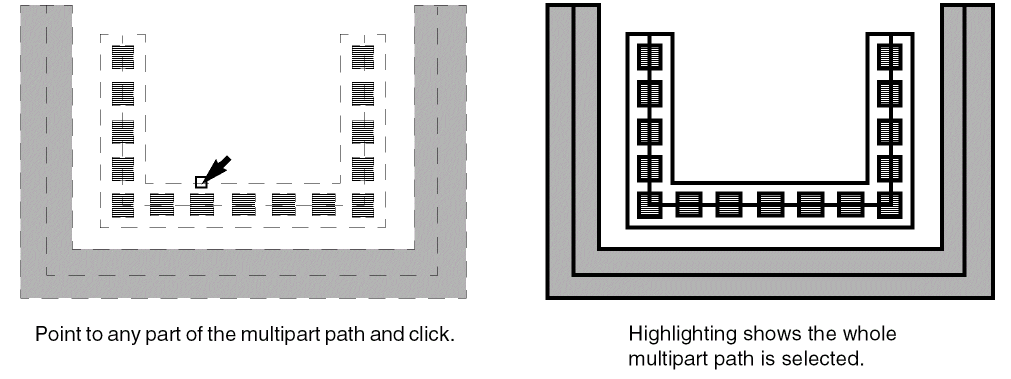
In full selection mode, selecting multipart paths is similar to selecting regular paths. When you select any part of a multipart path, the whole multipart path is selected. The master path is highlighted on the current selection layer, while subparts are highlighted on a different layer. This lets you see which part is the master path and which parts are subparts.
To select a whole multipart path in full selection mode, point to any part of the multipart path and click on it. As you point, the whole path is highlighted with dotted lines.
Related Topics
Return to top