
Deleting Unassigned Bumps
You can delete from the design all bumps that are not connected to any nets. To delete unassigned bumps:
-
With the container or package layout open, launch the Edit-In-Concert mode by selecting Module – Edit-In-Concert.
The package design is displayed on the first tab, and the layouts of the die instances in the package are displayed on separate tabs. - Click the tab that contains the unassigned bumps.
-
Choose Module – Bump Management – Define Bump Connectivity – Delete Unassigned Bumps. The Bump Connectivity Assignment form is displayed.
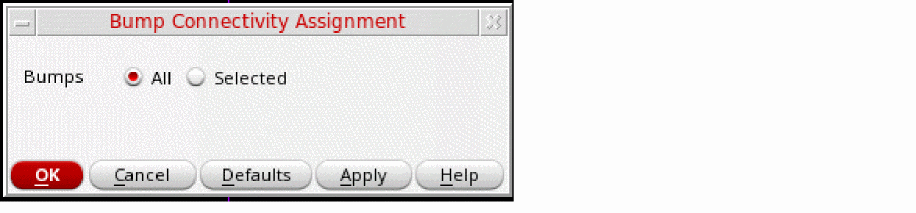
- Select All or Selected to specify the bumps.
- Click OK.
Connectivity for the specified bumps is unassigned.
Related Topics
- Bump Connectivity Assignment Form (form reference)
- Assigning Connectivity between Bumps
- Unassigning Bump Connectivity
Return to top