
Die Audit
When exporting a die for the first time on an IC layout, it is not uncommon to find errors in your design. One of the reasons might be that the design has not been set up correctly for the Virtuoso RF Solution requirements. The audit functionality is a checker utility that reports all errors or warnings for an export die function on an IC layout before actually exporting a die. You can click Module – Compliance Audit to open the Virtuoso RF Compliance Audit form.During the audit, you are provided the same environment or settings as while running actual die export functionality to ensure that the same issues can be found and fixed earlier in the cycle. You can specify the template file that is exported from the Export Die form to give the desired settings for die audit.
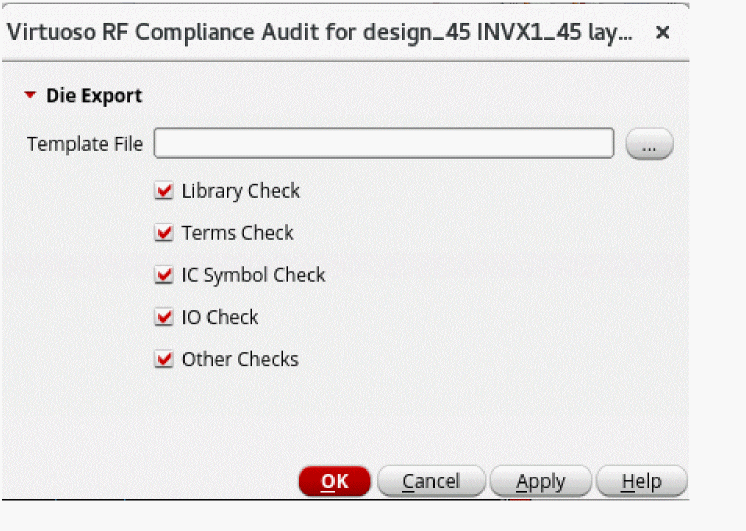
The template file must include the following to perform an audit:
- Die interface type
- Front label and back label layer-purpose pairs (if shape-based)
- Front and back layer-purpose pairs
- Pin numbering-related values
- Output mode values (for partial die export)
There can be various violations reported during abstract or schematic creation, such as:
- Top-level terminals that are not connected to any instance.
- Top-level pin or terminal direction is not input, output, or inputOutput.
-
Top-level terminals are connected to an instance but the instance master does not have
coverBumporpadspecified as wirebond cell type -
Terminal is connected to a pad instance that has master with
coverBumporpadcell type specified, however, the shape inside the pad is not on the pin layer specified in the Export Die form.
- Top cell does not have a PR boundary.
- Die export needs the design to be marker free but the design has markers in the layout.
- Design has overlapping pads.
- Mismatched terminals found between a die symbol and die Layout.
- The BUMP_TO_PIN property is found.
- Target label does not match any terminal in die symbol and vice versa.
- No valid target label is found in a design.
- Multiple shapes on a specified layer overlap with a label.
- Multiple different labels on a specified layer overlap with a shape.
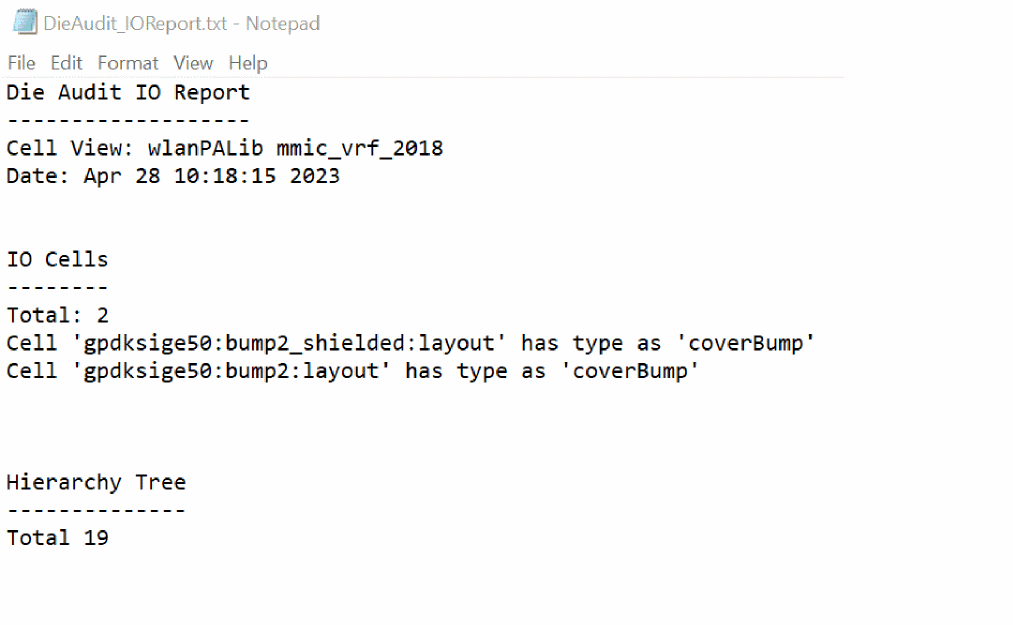
You can view the following report that is created in the working directory after the die audit has been performed. It reports all bumps cells even if Unconnected pins are set to off.
Related Topics
Virtuoso RF Compliance Audit Form
Return to top