
Hierarchical Blocks in Abstracted Mode
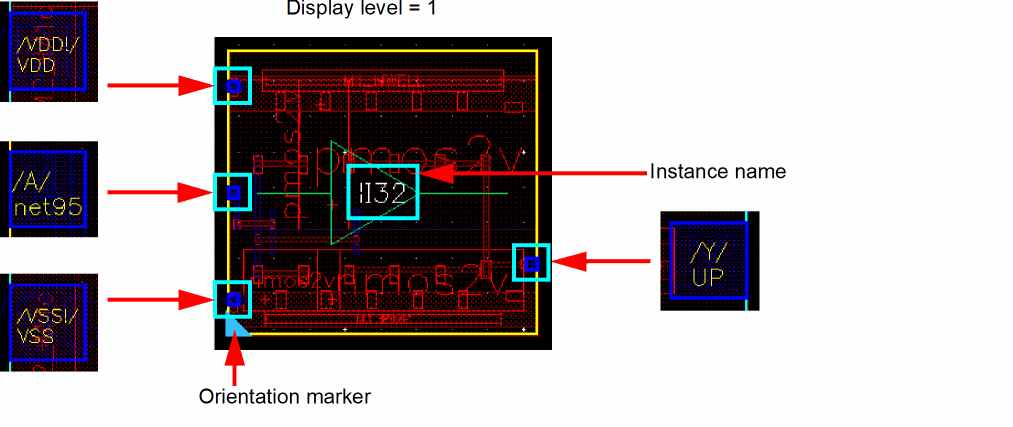
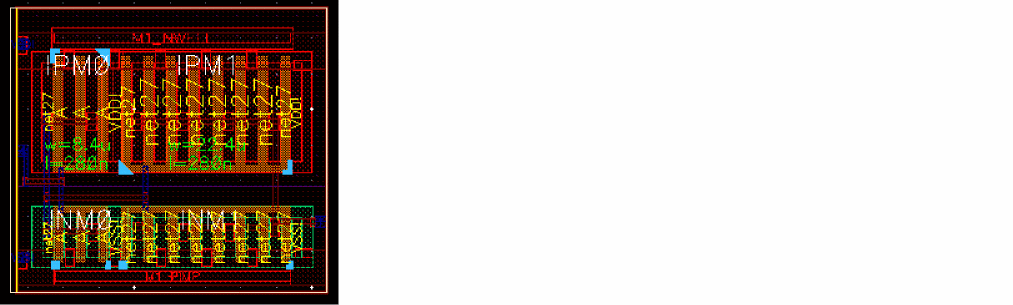
Smart Display lets you abstract pin connectivity information—the pin name and the name of the top-level net—from hierarchical blocks. Visible layers include level-1 pin layers and boundary layers. You can also view the instance name and the orientation marker for hierarchical blocks, as shown in the figure below:
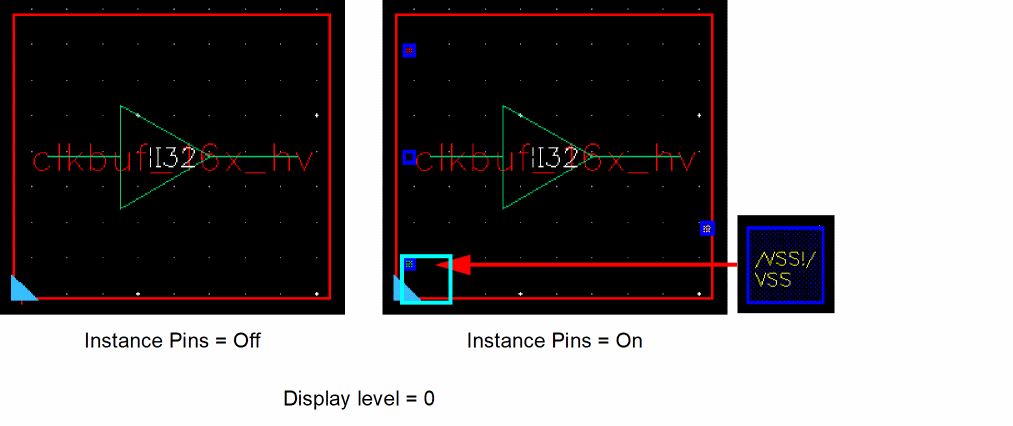
To view pin connectivity information with the display level set to 0, select the Instance Pins check box in the Display Options form.
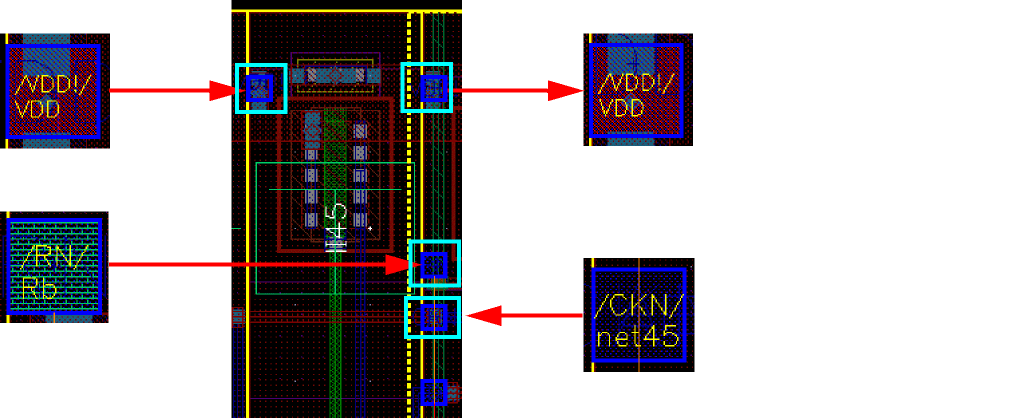
The following image shows pins inside a hierarchical block as seen in Abstracted mode with Surround Display set to pins:
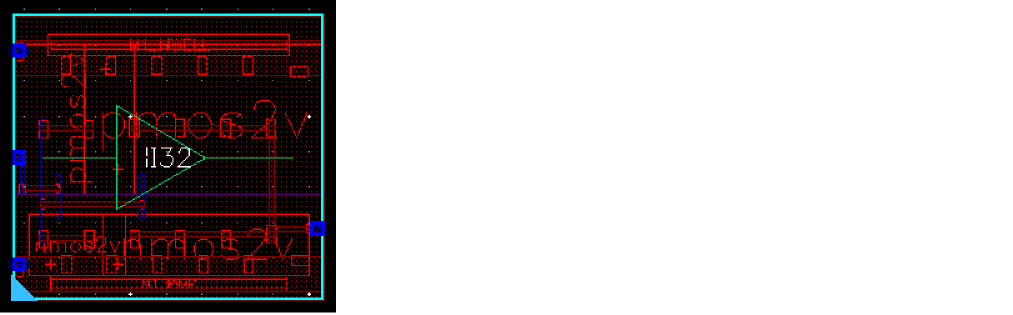
To view the PR boundary for instances, choose P&R Boundary from the Instance Drawing Mode list in the Display Options form. The PR boundary is displayed as shown below:
For information about the Display Options form, see
Pin connectivity information is not available when you run the Descend edit or Edit In Place commands on a hierarchical block, as shown below:
Related Topics
Return to top