
Generation of Virtual Hierarchy using Selected Schematic Components
In Layout EXL or higher tier, the Generate Selected Components form displays an additional Design Planning group box in the As In Schematic placement mode.
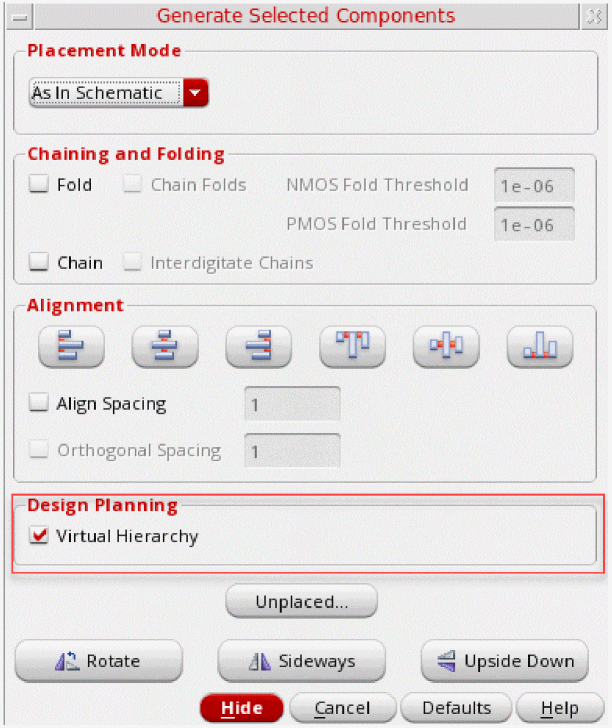
The Virtual Hierarchy check box in the Design Planning group box is OFF by default, unless the form is opened using the Design Planning Toolbar or the Design Planning Menu.
The Virtual Hierarchy option allows you to generate a “yet-to-be-realized” hierarchy for the selected schematic components, which can be accessed from the top level using the DESIGN PLANNING category in the Navigator assistant.
For more information on virtual hierarchies and the layout generation capabilities that are offered by Layout EXL or higher tier to work with virtual hierarchies, see the Virtuoso Design Planner User Guide.
Related Topics
Generate Selected Components Form
Return to top