
Loading Routing Constraints
Routing Constraint Manager lets you load constraints from the specified library:cell:view. To load constraints:
- Open a design in Layout MXL.
-
Choose Window – Assistants – Routing.
Alternatively, right-click anywhere on the layout window menu bar and choose Assistants – Routing.
The Routing assistant is displayed. -
Click Routing Constraint Manager
 on the Routing assistant toolbar.
 -
Click Load Constraints
 on the Routing Constraint Manager toolbar.
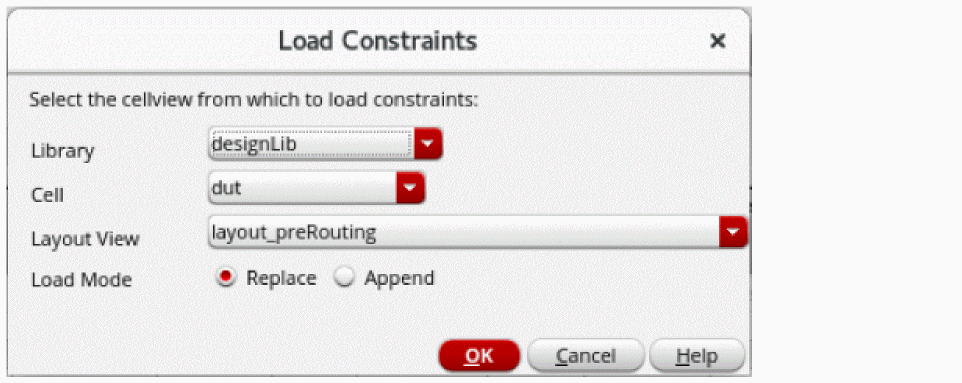
The Load Constraints form is displayed.
-
Choose a
library:cell:viewfrom the Library, Cell, and Layout View fields, respectively. - Select the import mode. You can either select Replace or Append.
- Click OK.
The constraints from the selected library_cell_view are loaded to the Routing Constraint Manager.
Related Topics
Opening Routing Constraint Manager
Routing Constraint Manager User Interface
Return to top