
To view the names of the mixed-signal nets connected to with connect modules:
- Open the Mixed-signal nets with connect modules tab in the left pane of the Mixed Net Browser window.
The names of the nets in the design hierarchy selected in the Browse the design hierarchy mixes-signal branches tab are displayed.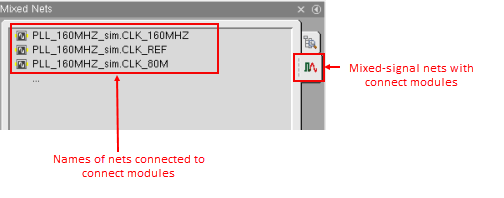
- (Optional) If the number of the displayed nets is large, use the filter at the bottom of this tab to view a selected set of nets that have the specified substring in their name.
Related Topics
Working with Mixed Net Browser
Defining Scope for Mixed-Signal Modules in Design Hierarchy