
The Source Browser window in SimVision MS displays the source code for digital instances and netlists for the analog instances of mixed-signal designs. In Source Browser, you can define the breakpoints of the connect modules to debug step-by-step. Similarly, you can debug analog instances with the help of the automatic instance line identification in the netlist.
Source Browser can be invoked using the  icon on the toolbar. It can also be invoked using the right-click option, Send to Source Browser, from the other Simvision MS windows. When launched, Source Browser looks like the following image.
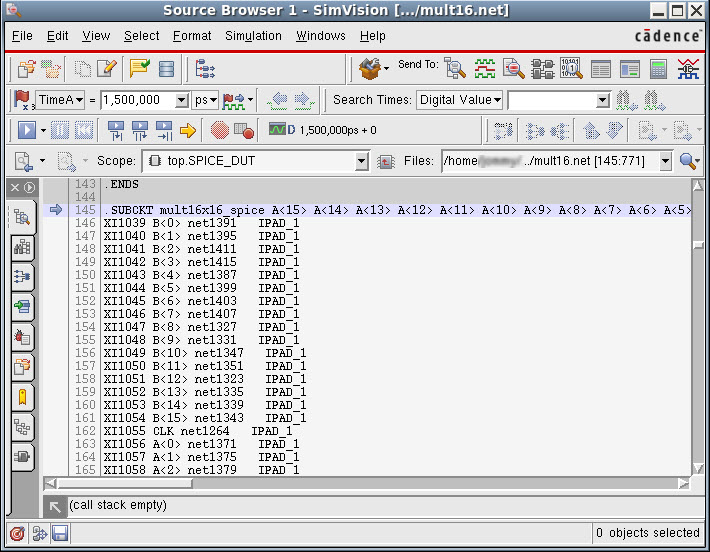
The standard toolbars and menus perform the common functions available in all SimVision MS windows, such as controlling the simulation.
This chapter contains the following topics: